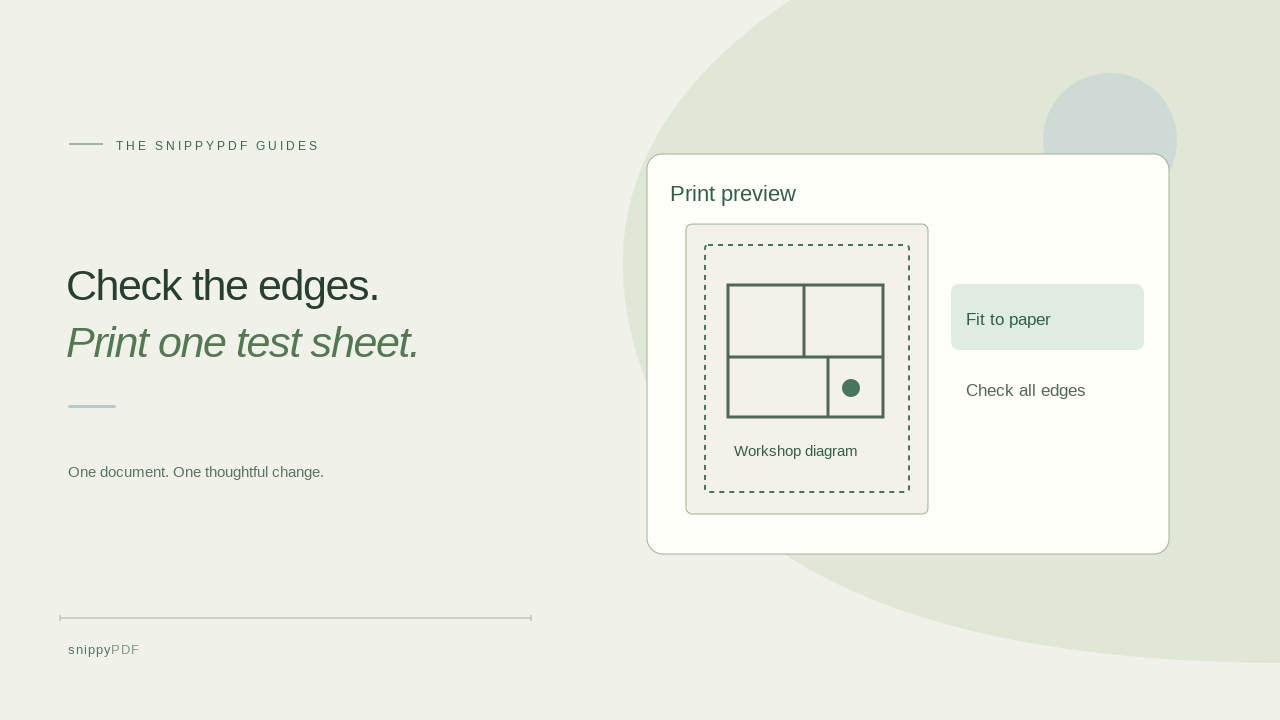
Check page edges and small labels, compare Fit with Actual size, and print a test sheet before printing a photo PDF.
Inspect the downloaded page first
Suppose you made a PDF from photos of a workshop handout and want to print the diagram on page two. Open the downloaded file in your PDF reader and zoom in on the diagram labels. Check the corners and the outside edge for clipped wording. If the labels are blurry in the downloadable PDF, go back to the original photo and take a sharper one if you can. A printer setting cannot recover detail that was never captured.
Match the paper and check the whole diagram in preview
Open the print dialog, choose the printer and select the paper actually loaded, such as Letter or A4. Set the page range to the diagram to see it on its own. Compare the orientation and edges in the preview. If the reader offers Fit and Actual size, try both. Fit can shrink a page to keep it within the printable area. Actual size keeps the PDF scale and may clip content that sits outside the printer’s margins.
Print one sheet before printing the set
Print the diagram first. Read the smallest label and check the edge that looked tight in preview. If the diagram includes a ruler or a dimension you need to measure from the print, verify it with a ruler. Setting Actual size preserves the scale of the PDF page, but a photo may already represent the paper at a different scale. If you need reliable dimensions, get the original drawing from its author.
Rebuild the photo PDF if the page layout is the problem
If fitting the page makes the labels too small, open Images to PDF again with your source photos. Choose the intended paper size and orientation. The tool fits each photo on a page without cropping. Compare the regenerated PDF and its actual print preview before using more paper. Free trial downloads include a watermark, which can appear on the print. An eligible paid pass or discount enables clean export.
See supported PDFs · Try the watermarked editor preview
More practical guides
- How to make a photo appendix for a PDF quote
- How to replace one page in a PDF
- How to copy text from one page of a scanned PDF
- How to reorder pages in an existing PDF
- How to remove a blank page from a PDF
- How to recognize English and Spanish text in the same document photo
- How to split selected PDF pages into separate files
- Turn a paper checklist photo into a PDF you can reuse
- How to rotate one page in a PDF and save the change
- How to insert a photo page into an existing PDF
- How to put front and back photos in one PDF
- How to extract nonconsecutive pages into one PDF
- Make document photos searchable in a PDF without rewriting the page
- Fix sideways document photos before making a PDF or running OCR
- Edit grouped text in a PDF online: a fictional DoorDash receipt example
- A4, Letter or Fit image: which PDF page size should you choose for photos?
- How to check numbers after turning a document photo into a PDF
- How to turn iPhone HEIC photos into a PDF without converting them first
- How to type on a blank line in a PDF without changing the sentence
- How to make a working copy of a scanned PDF without losing your original
- How to photograph a paper document for a readable PDF
- How to make a photo-heavy PDF smaller and check the result
- How to turn PDF pages into PNG images for a presentation
- How to add notes and highlights to a PDF
- How to check the edition of a USCIS PDF form
- How to turn phone photos into a PDF you can annotate
- How to correct words in a PDF made from a photo
- How to update a workplace checklist in a PDF
- How to keep PDF quotes and revisions organized
- How to correct a student project cover page in a PDF
- How to check names and accents when editing a PDF
- How to prepare a PDF before signing it
- How to edit existing PDF text without changing the surrounding sentence
- How to replace a PDF image without stretching it or covering nearby text
- Why PDF text will not edit: check the font, text layer and scan
- PDF editing preview versus clean export
- Why a detected PDF font may change when you edit the wording
- Before you send an edited PDF: a practical download-review checklist
- Saved draft or downloaded PDF? How to keep your edits and original
- How to assemble and check an organized PDF packet