Small changes, explained.
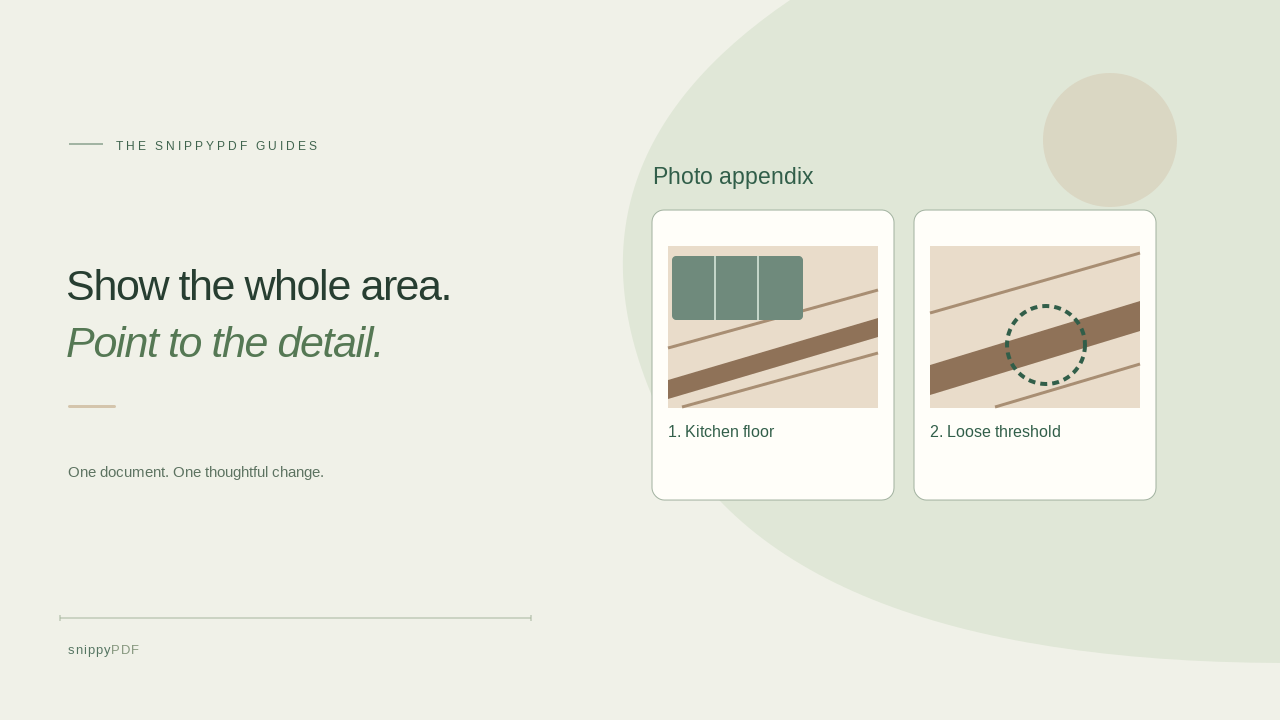 How to make a photo appendix for a PDF quote
Turn site photos into a separate PDF and link each image to the work it helps explain in your quote.
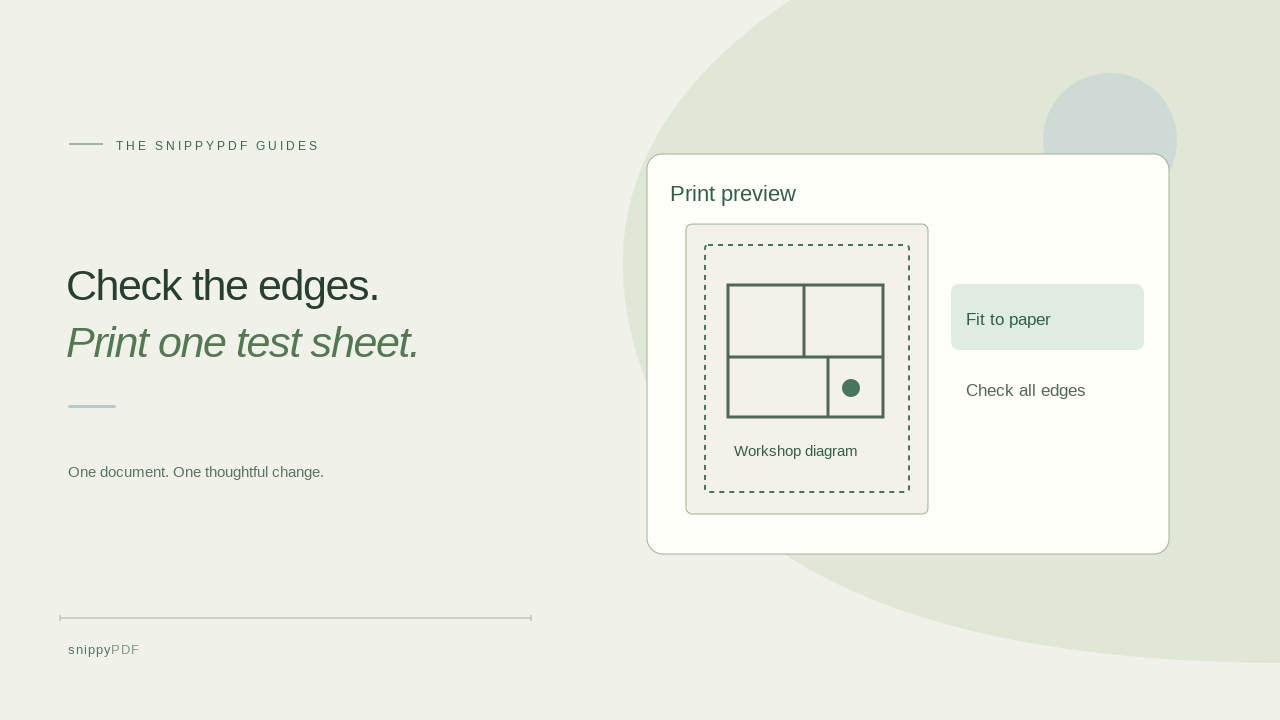 How to check a photo PDF before printing
Check page edges and small labels, compare Fit with Actual size, and print a test sheet before printing a photo PDF.
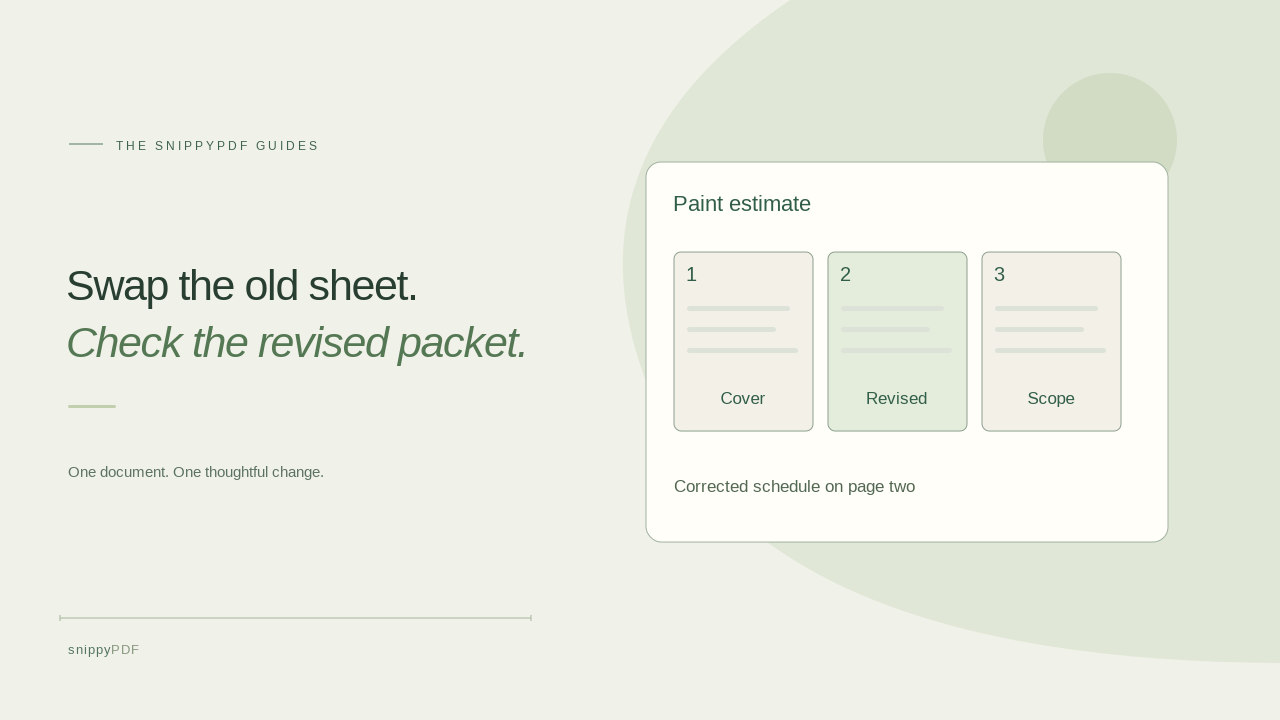 How to replace one page in a PDF
Swap an outdated page for a corrected PDF page, keep the rest of the packet in order, and verify the saved copy.
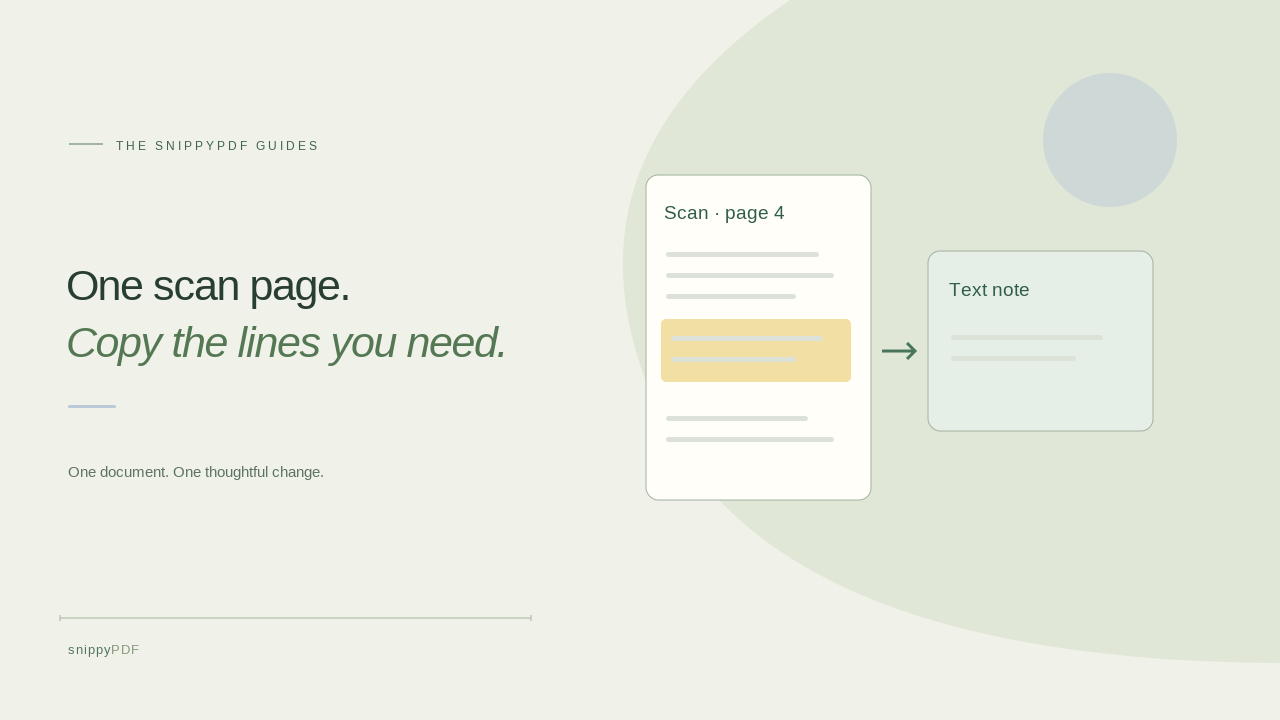 How to copy text from one page of a scanned PDF
Use OCR on a single page of a scanned PDF, copy the lines you need, and check them against the original.
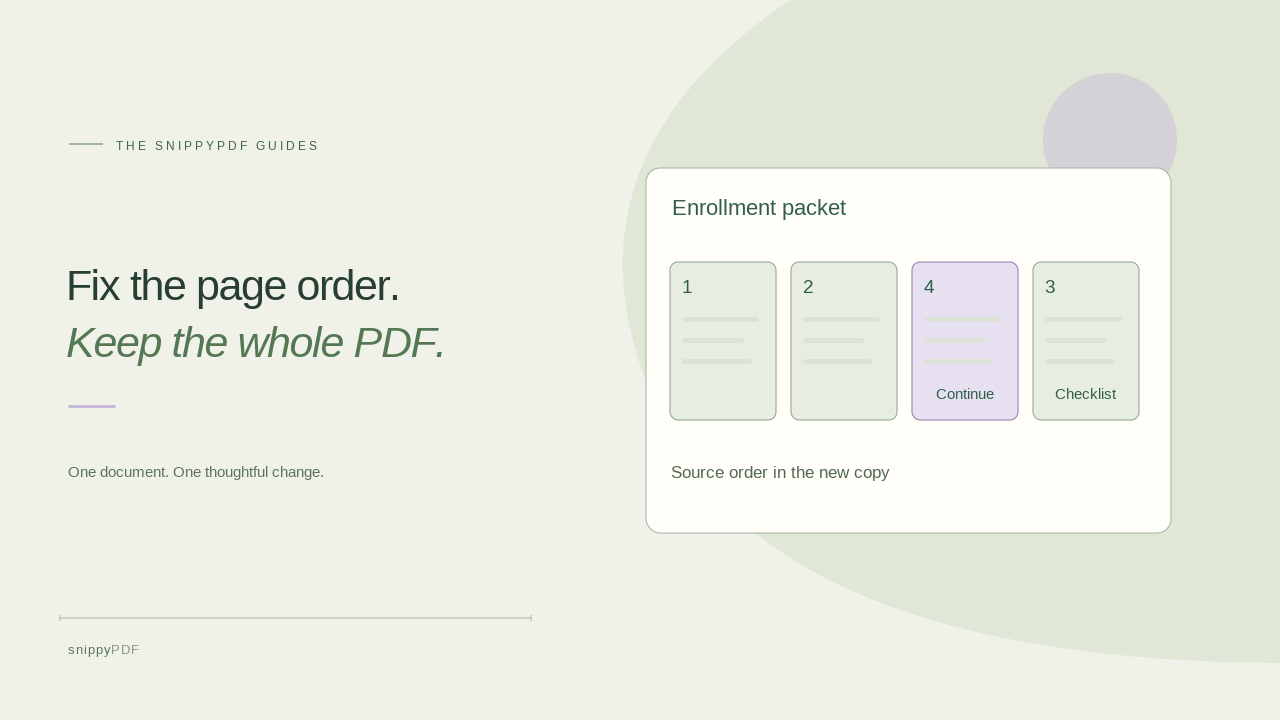 How to reorder pages in an existing PDF
Put the pages of a scanned packet back in order, save the whole PDF, and verify the sequence in the download.
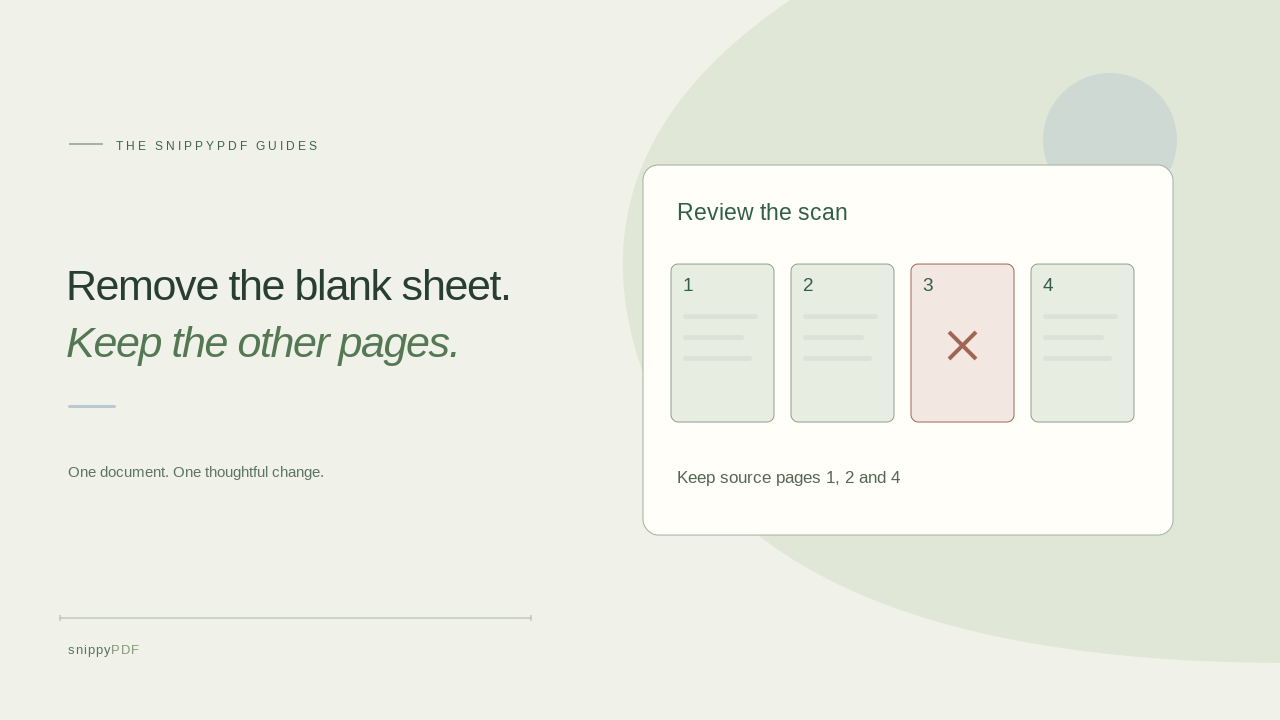 How to remove a blank page from a PDF
Remove an unwanted blank sheet, save the remaining PDF pages, and check their order against the original.
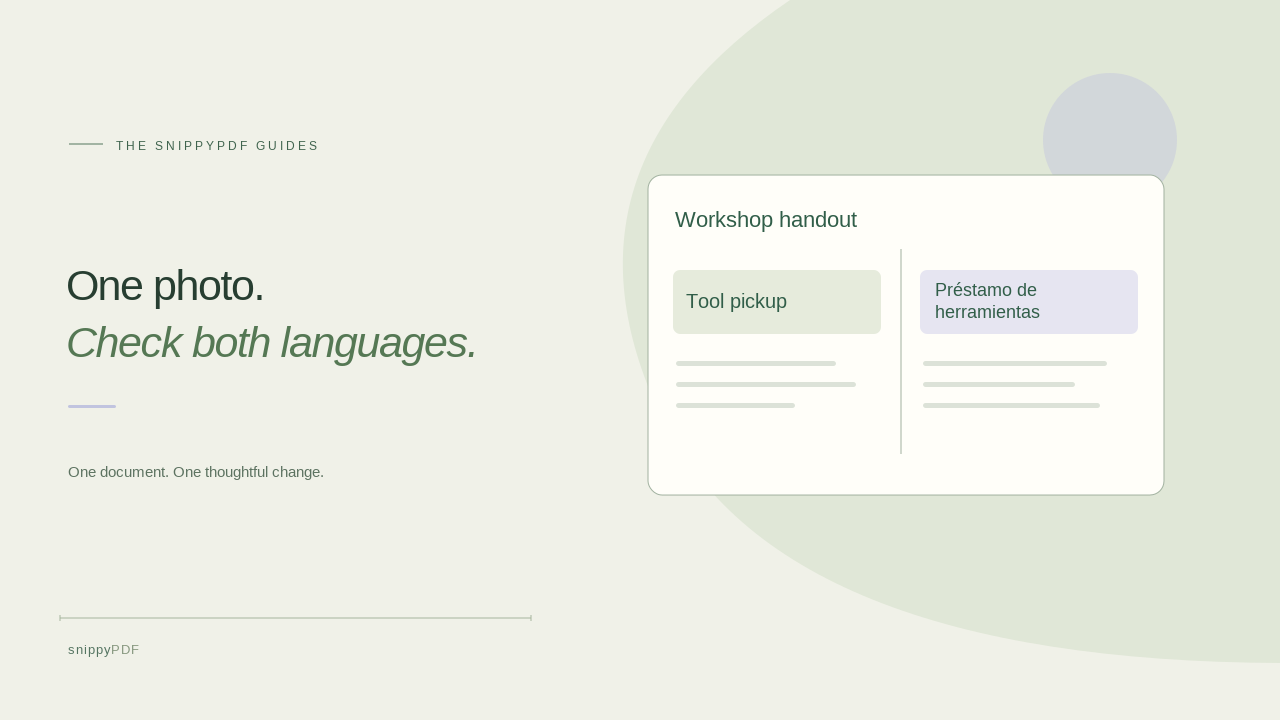 How to recognize English and Spanish text in the same document photo
Check a photographed bilingual handout, compare the English and Spanish OCR results, and verify the text before copying or editing it.
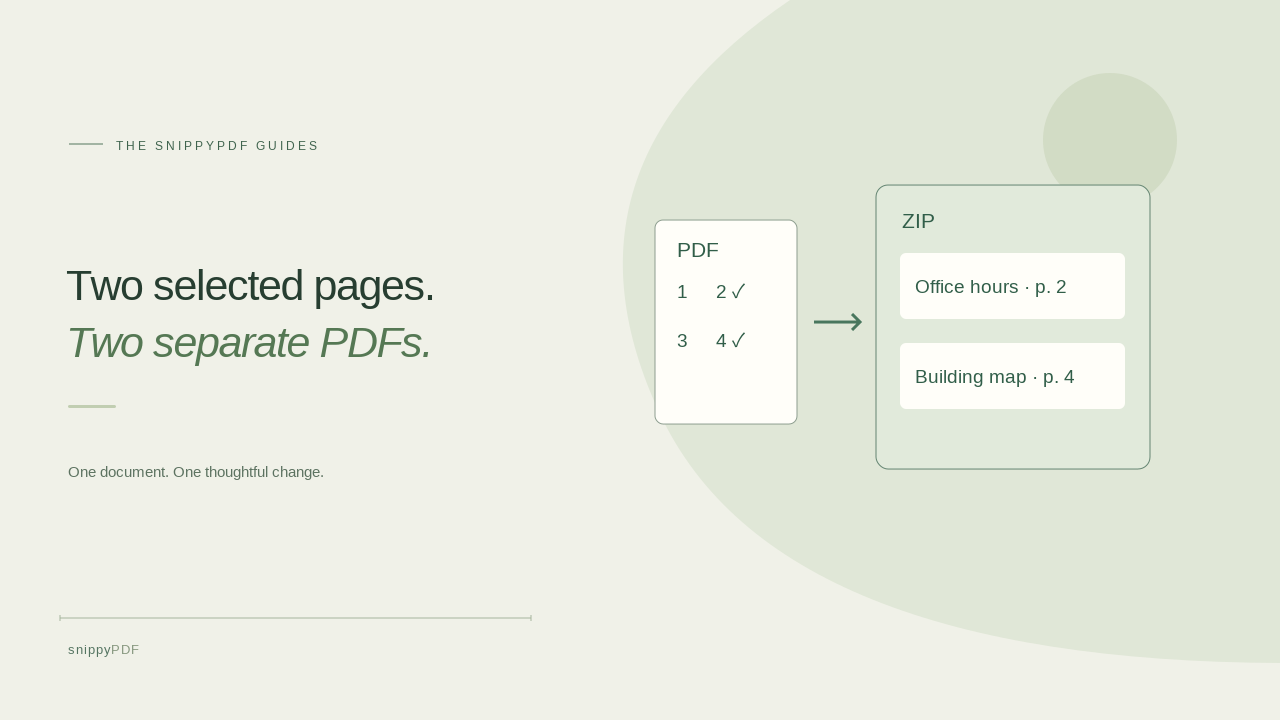 How to split selected PDF pages into separate files
Save specific pages as individual PDFs in a ZIP, identify each extracted file, and check what you are about to send.
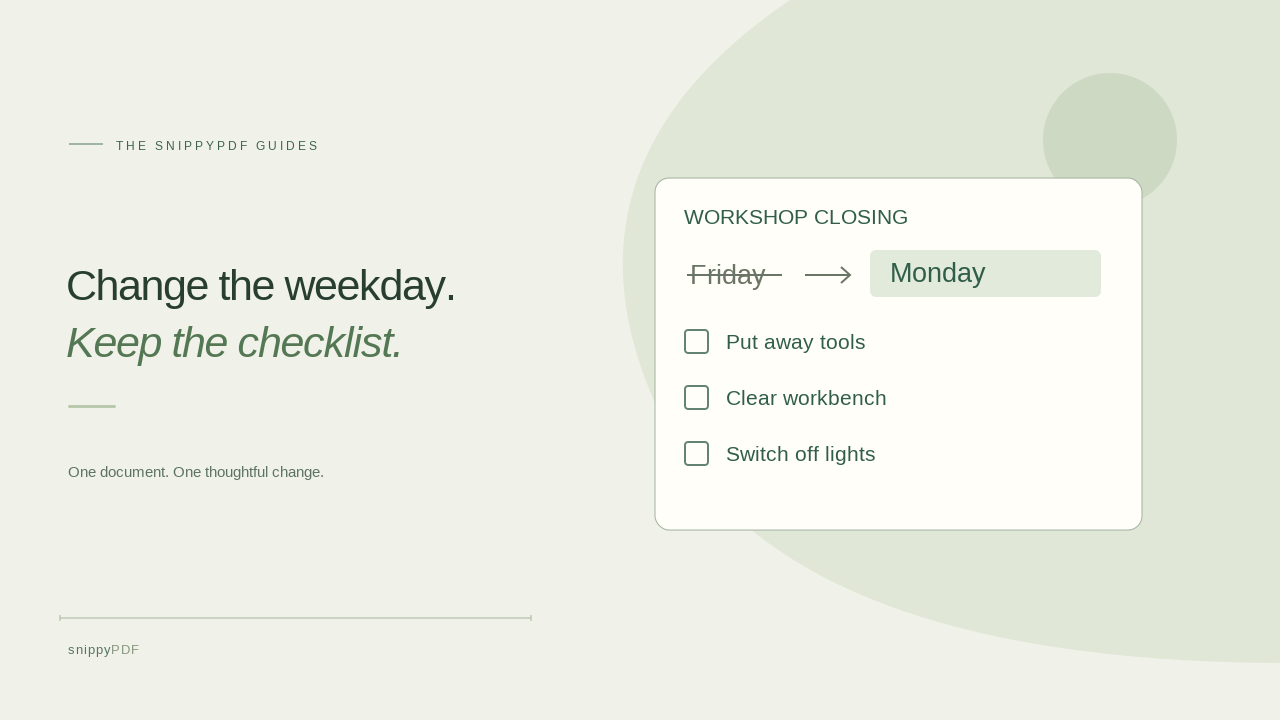 Turn a paper checklist photo into a PDF you can reuse
Make a reusable copy of a printed checklist, edit a supported label, and check that the boxes and instructions survive export.
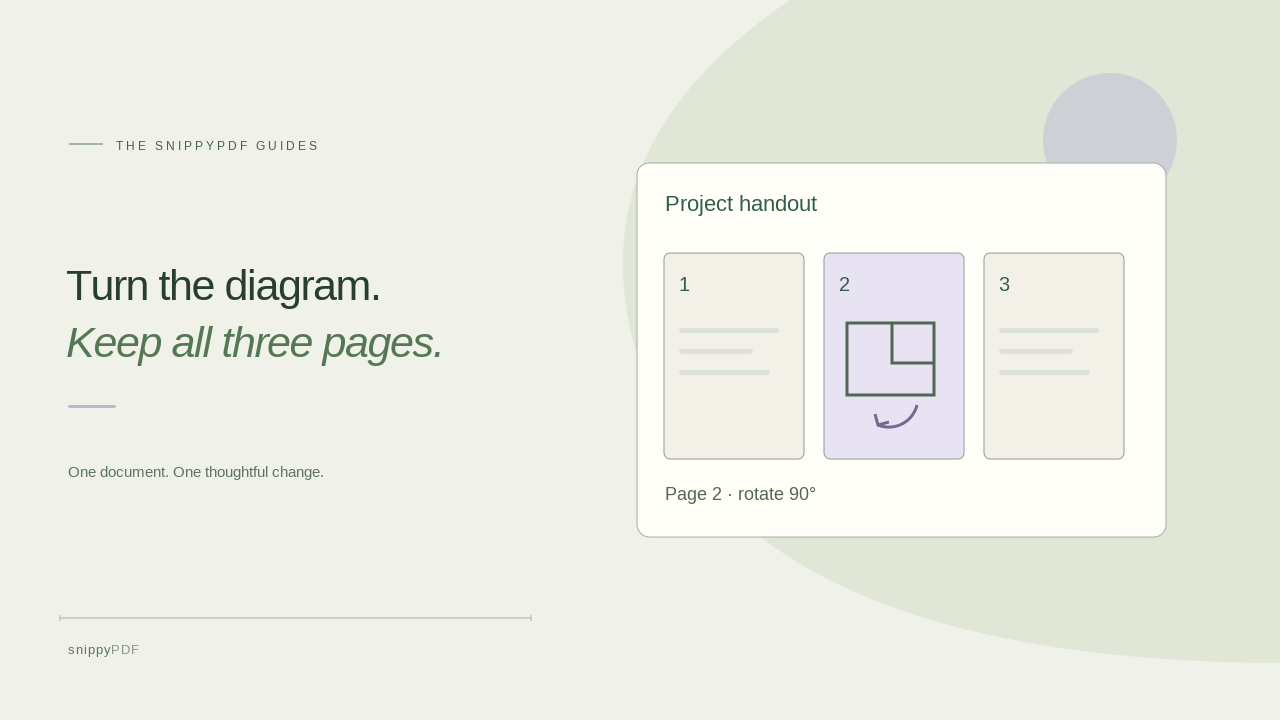 How to rotate one page in a PDF and save the change
Turn a sideways page in an existing PDF, leave the other pages in place, and check the orientation in the downloaded file.
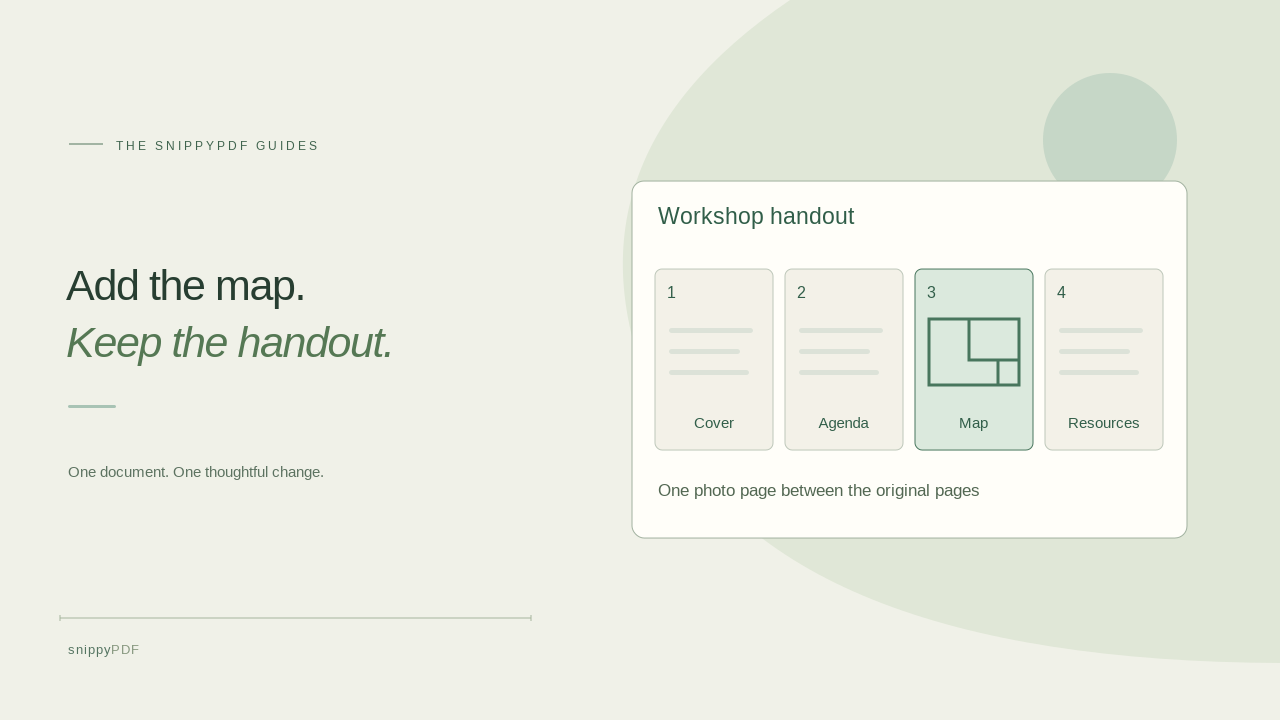 How to insert a photo page into an existing PDF
Turn one photo into a PDF page, insert it where it belongs, and verify the text on the original pages remains searchable.
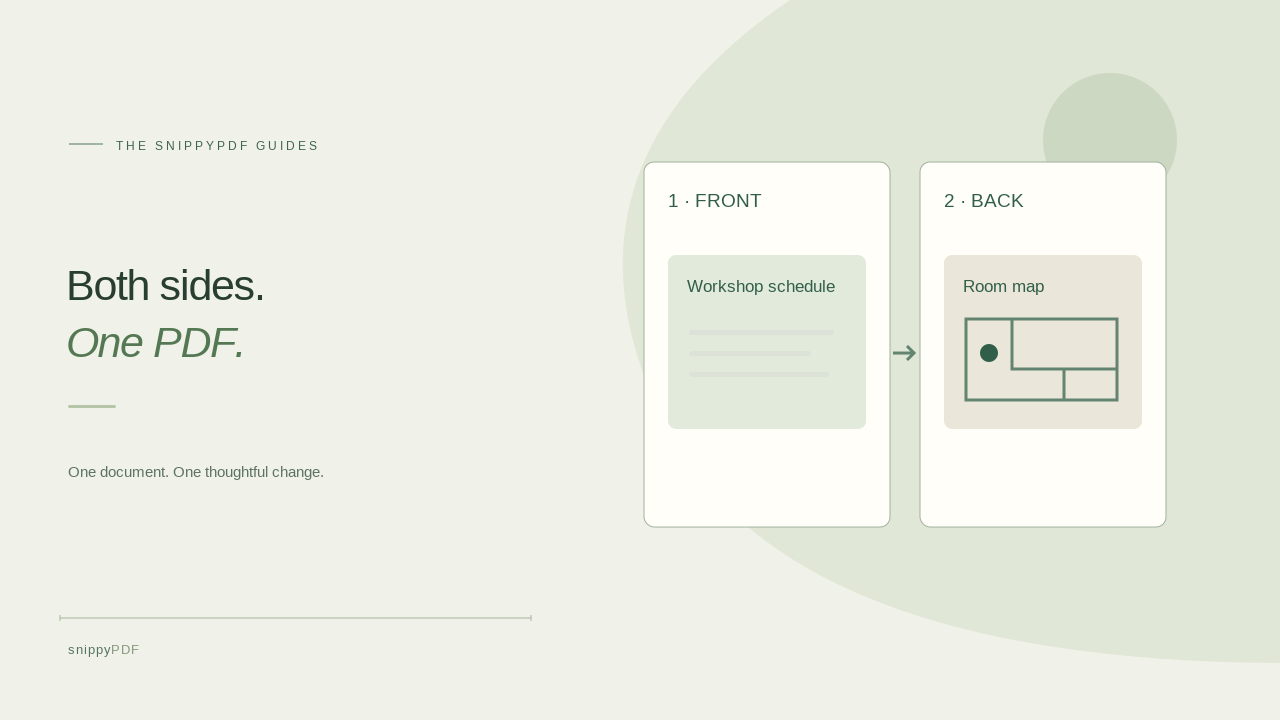 How to put front and back photos in one PDF
Make a two-page PDF from photos of both sides, check their order and orientation, and verify the downloaded copy.
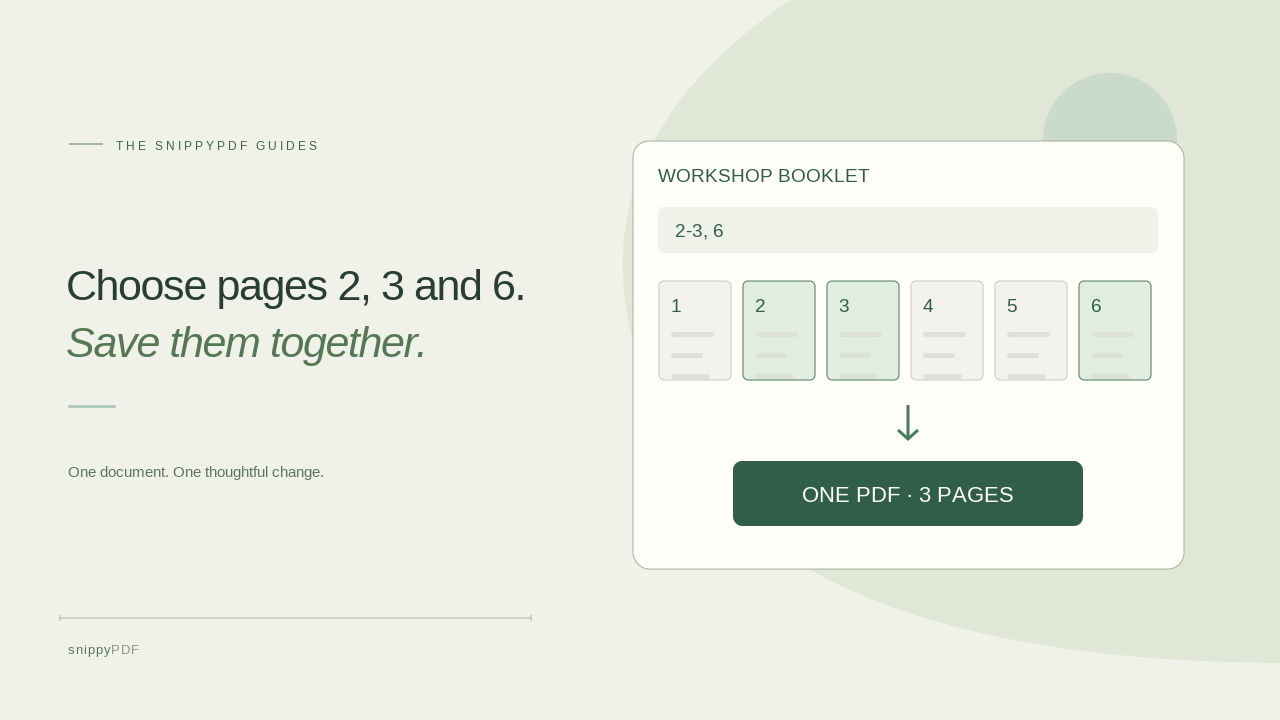 How to extract nonconsecutive pages into one PDF
Select a range and a separate page, check how the organizer numbers them, and download the selection as one PDF.
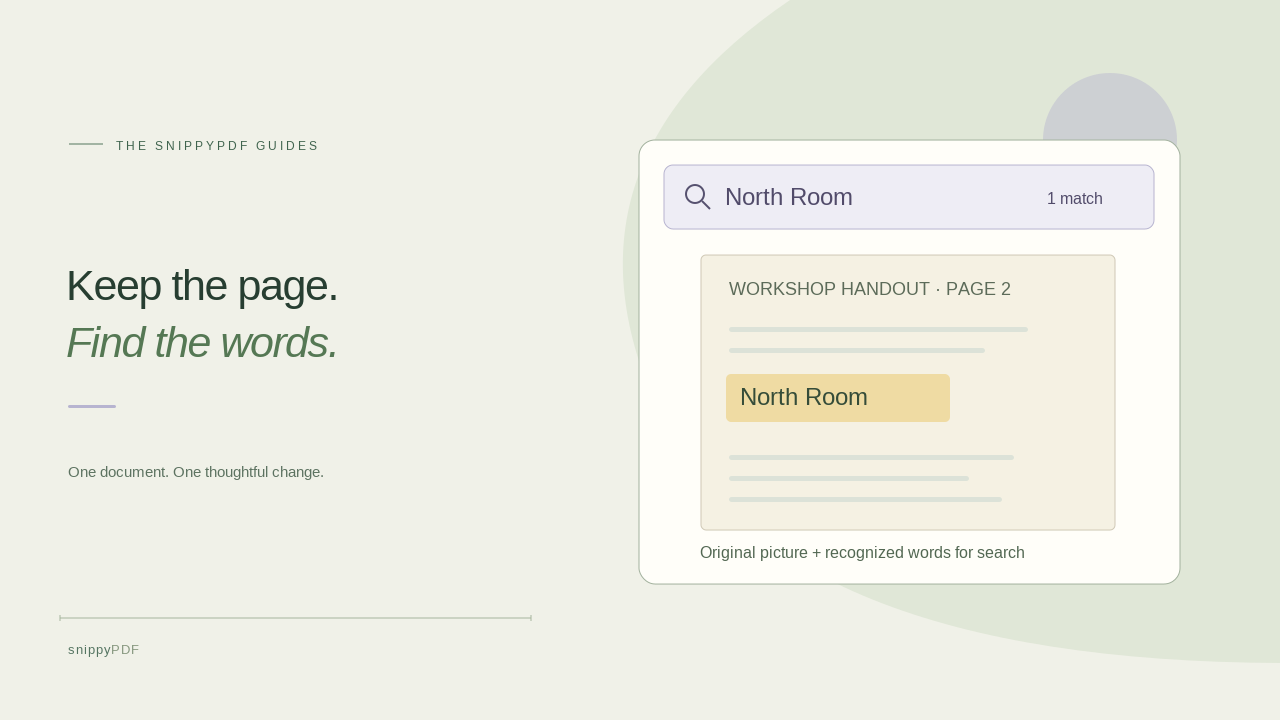 Make document photos searchable in a PDF without rewriting the page
Add a searchable OCR layer to a photo PDF, find why the option may be disabled, and verify search and copied text in the actual download.
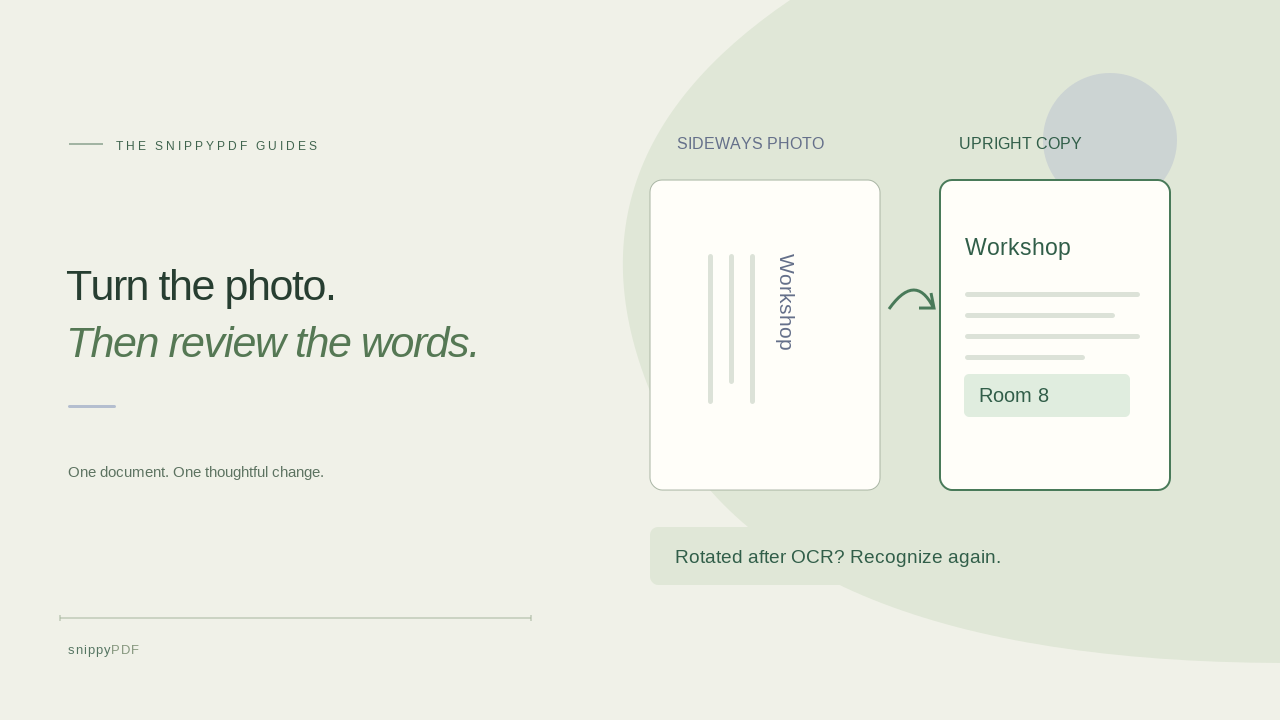 Fix sideways document photos before making a PDF or running OCR
Rotate each document photo, rerun recognition after a rotation and check the downloaded PDF without confusing page orientation with image direction.
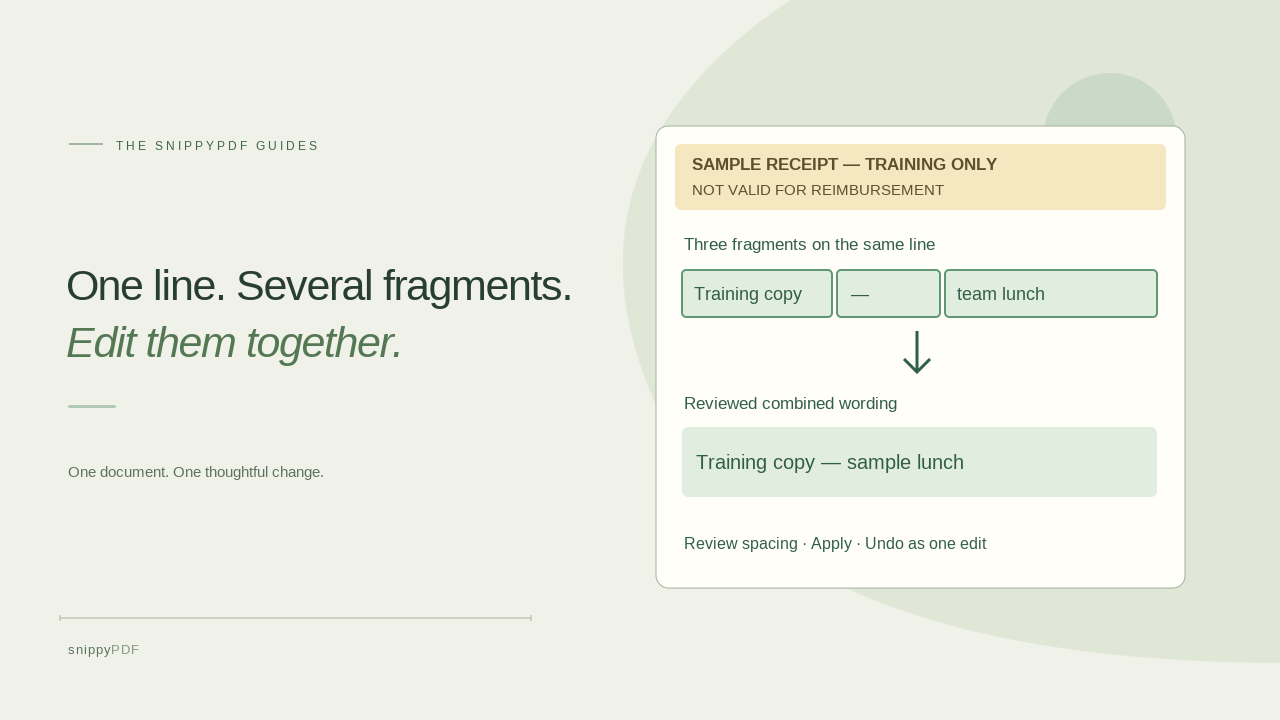 Edit grouped text in a PDF online: a fictional DoorDash receipt example
Edit compatible fragments on one PDF line together in your browser, without installing software. Review a fictional receipt note and the downloaded copy.
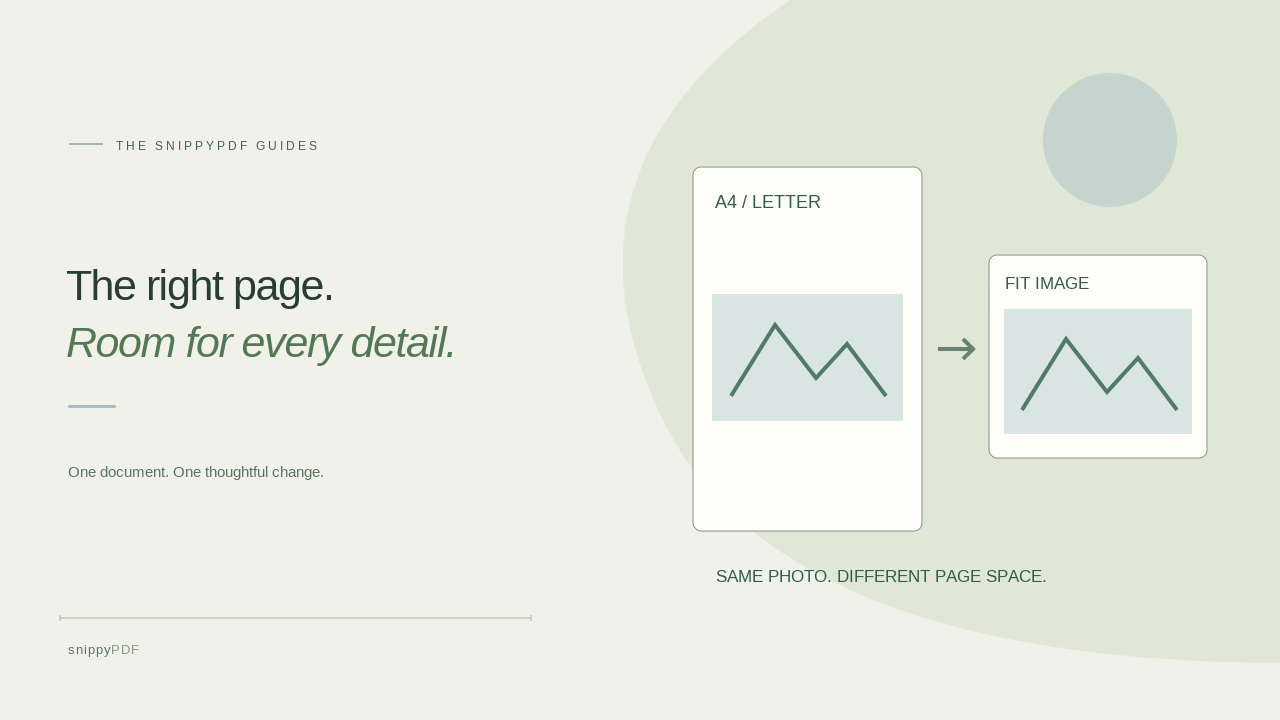 A4, Letter or Fit image: which PDF page size should you choose for photos?
Keep photographed pages readable by choosing the right paper size, orientation and margins before downloading a PDF.
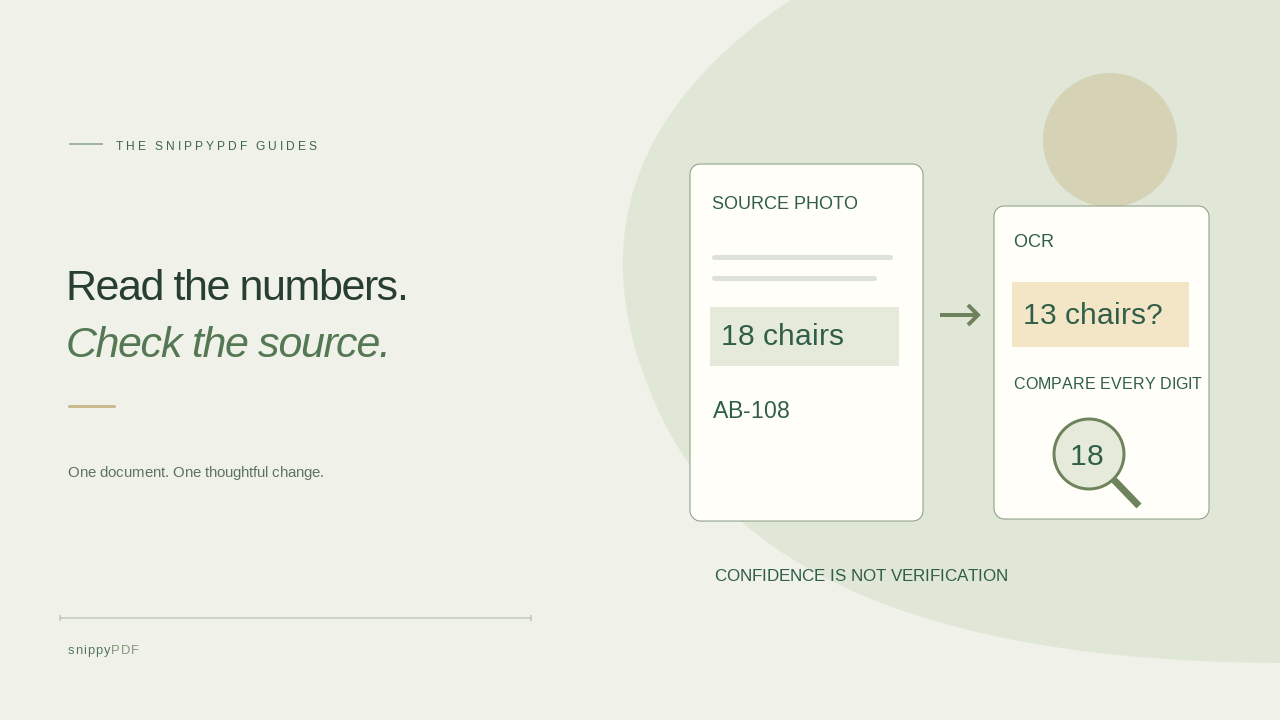 How to check numbers after turning a document photo into a PDF
Compare recognized dates, quantities and reference numbers with the original photo before editing or sharing a PDF copy.
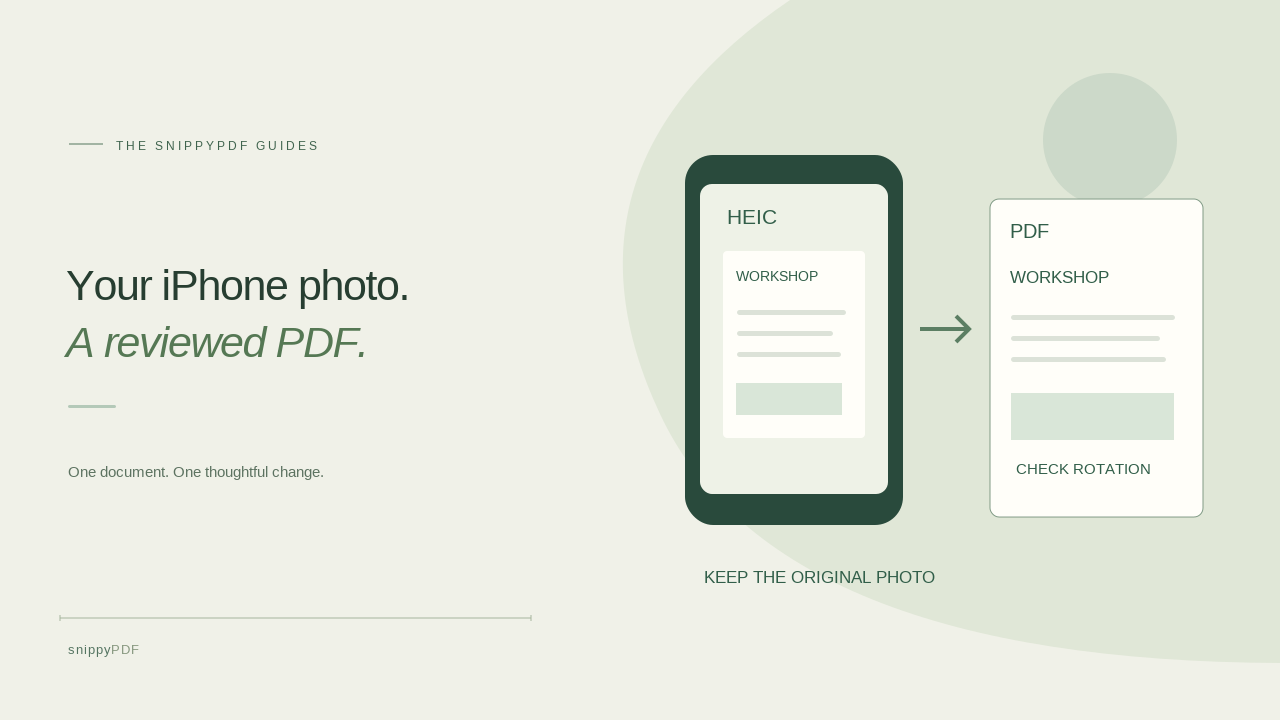 How to turn iPhone HEIC photos into a PDF without converting them first
Choose HEIC photos on your iPhone, check rotation and page order, and save a reviewed PDF with the right export option.
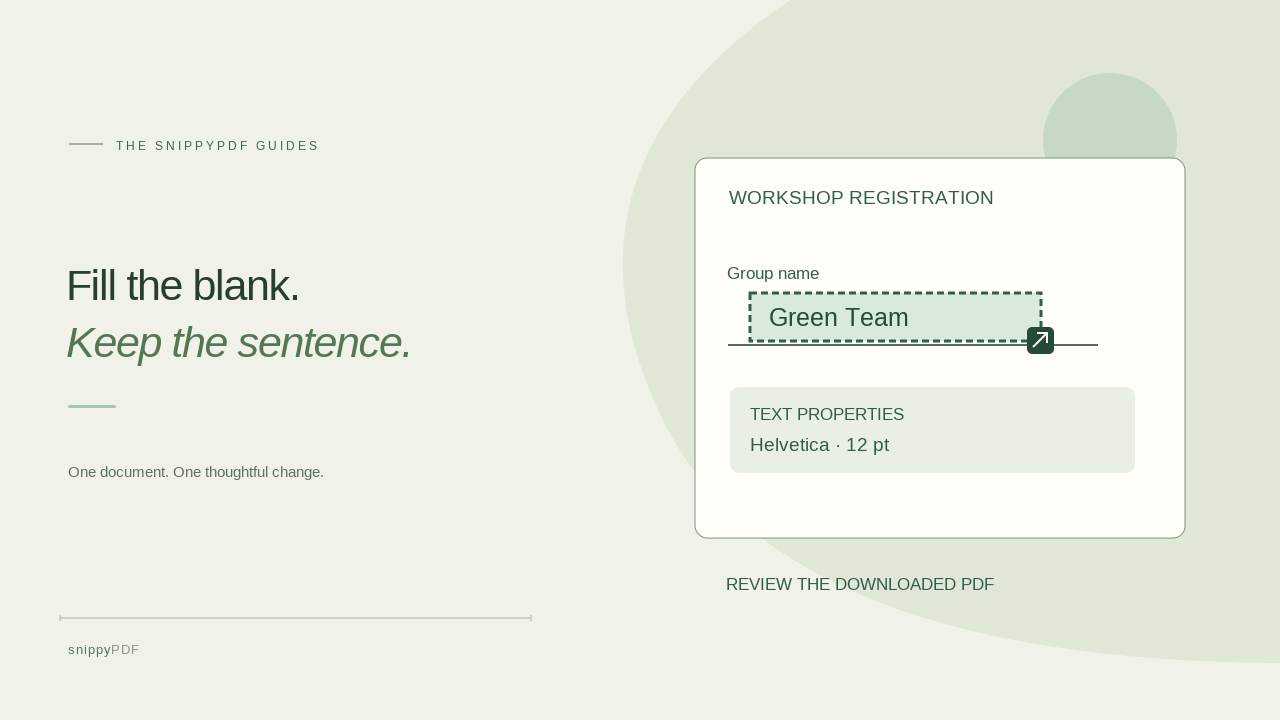 How to type on a blank line in a PDF without changing the sentence
Place a short answer in an empty PDF space, adjust its font and position, and check the downloaded copy on your phone or computer.
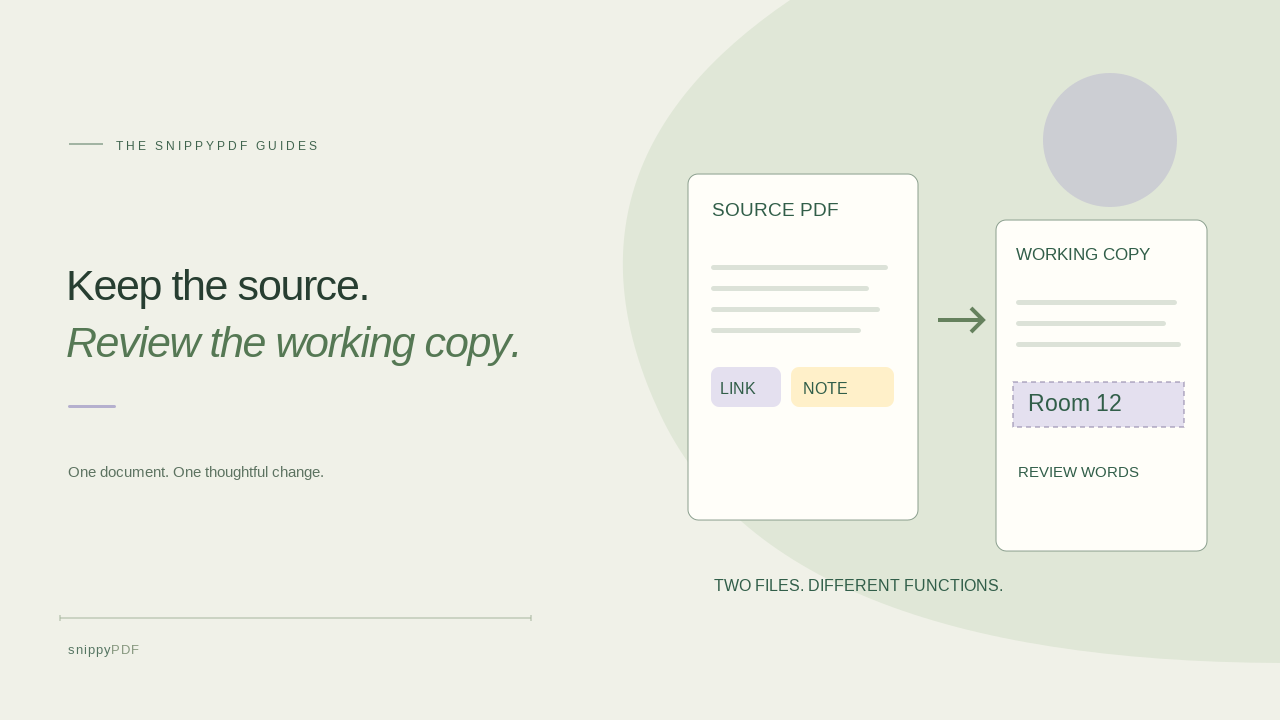 How to make a working copy of a scanned PDF without losing your original
Choose scan pages for reviewed OCR, understand what rebuilding removes, and compare the new working PDF with its source before sharing it.
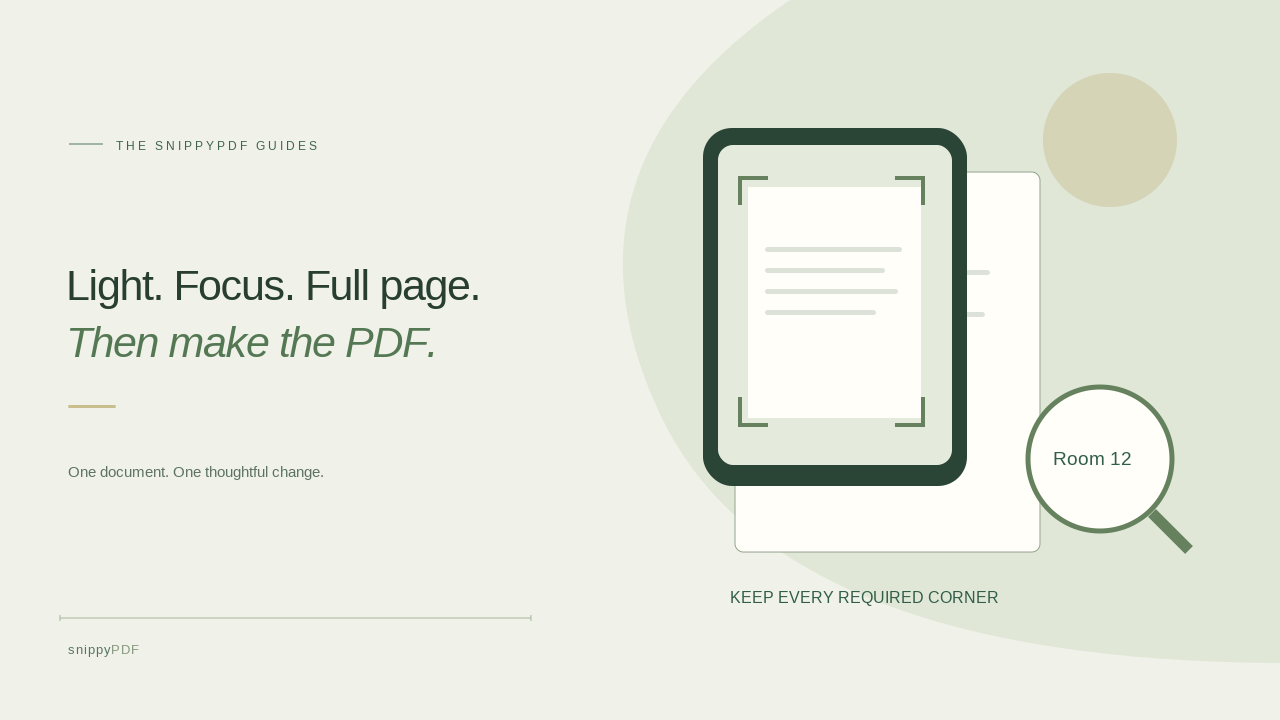 How to photograph a paper document for a readable PDF
Reduce shadows, blur and tilted text before converting a paper photo to PDF, then check small details and any recognized words in the saved file.
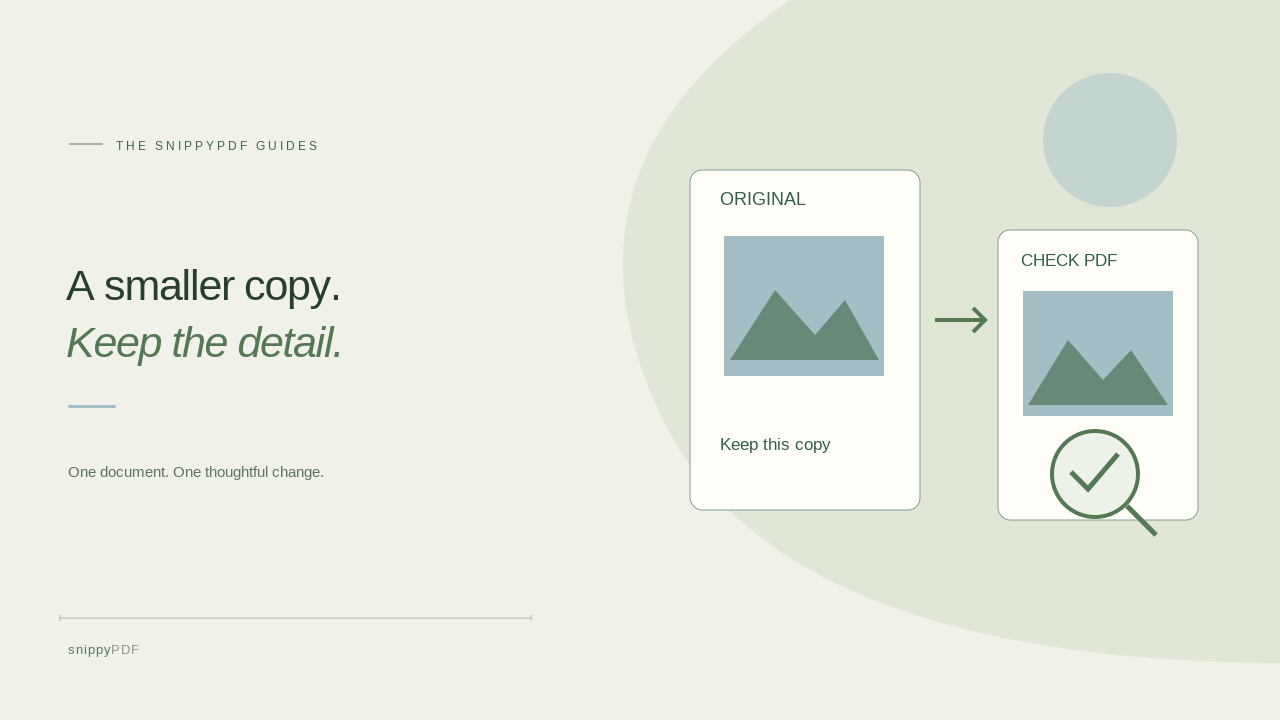 How to make a photo-heavy PDF smaller and check the result
Prepare a smaller copy of a photo-heavy PDF for sharing, compare the saved file size, and inspect names, numbers and image detail before sending it.
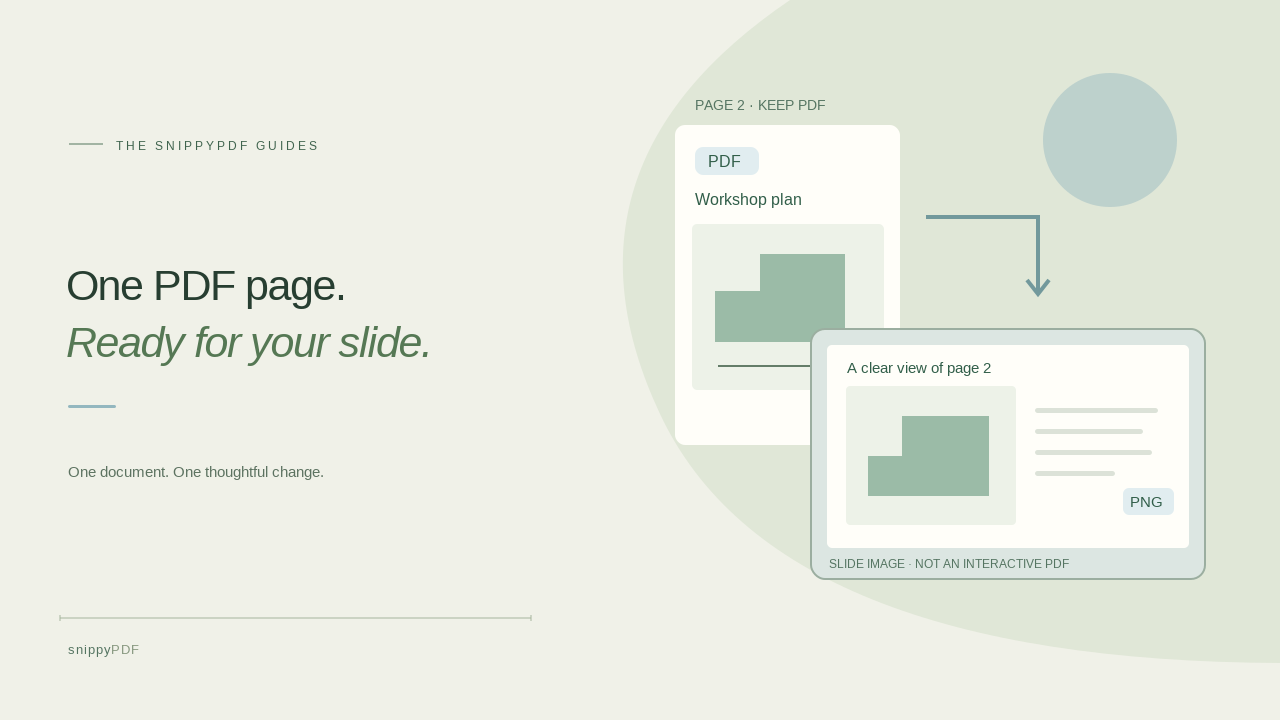 How to turn PDF pages into PNG images for a presentation
Choose the PDF pages you need, save them as PNG images, and check legibility in your slides while keeping the original PDF and review notes.
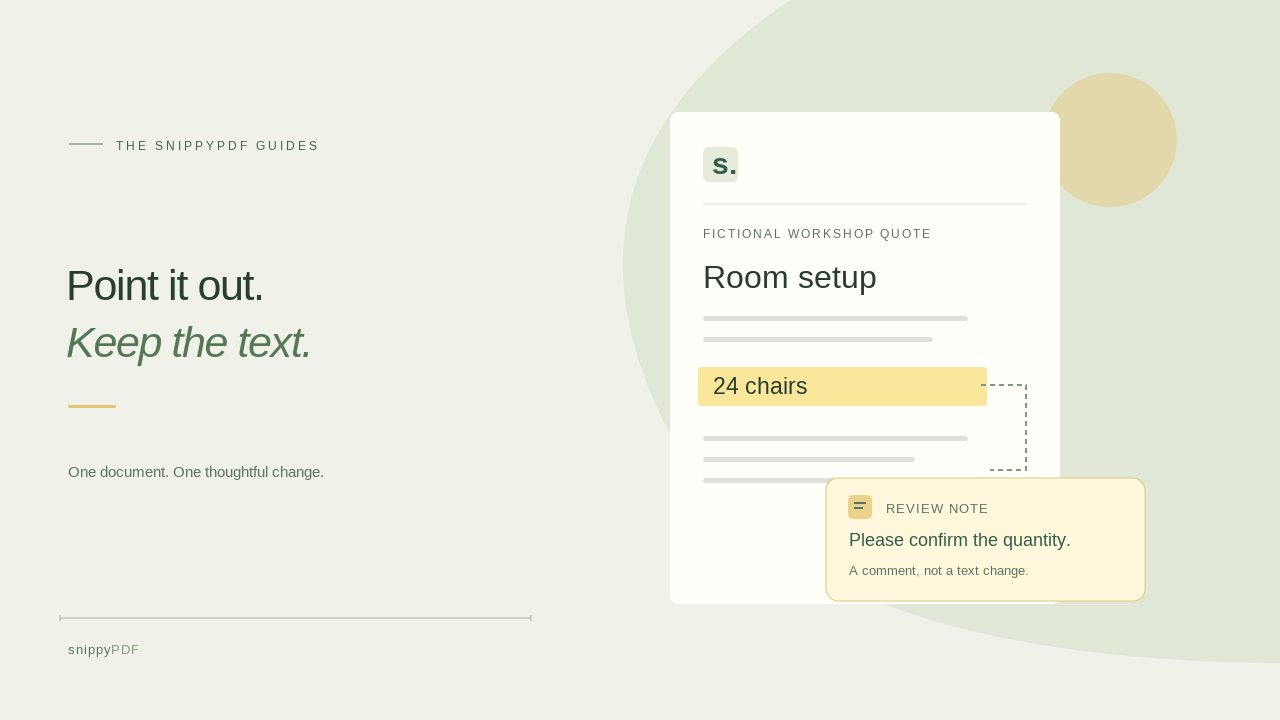 How to add notes and highlights to a PDF
Mark a passage, add clear review comments, and check the downloaded PDF while keeping the document’s original text intact.
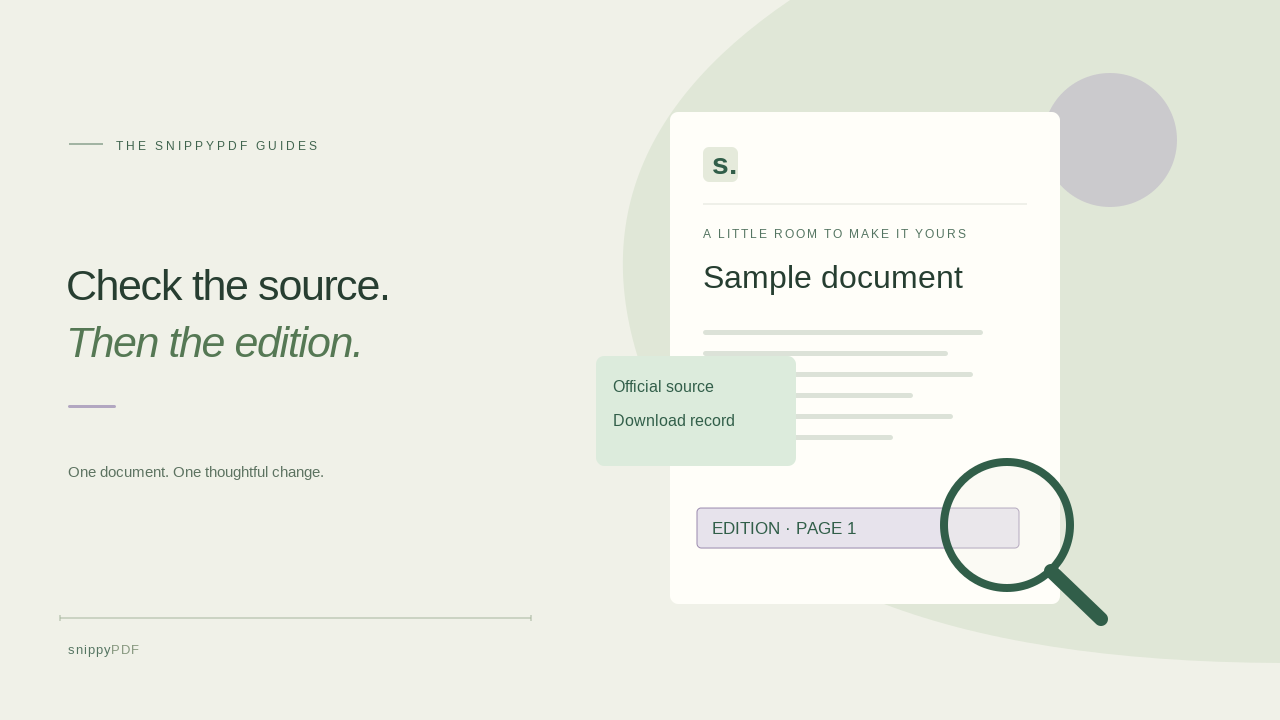 How to check the edition of a USCIS PDF form
Find the official form page, check the edition and page footers, and keep a download record before preparing a paper filing.
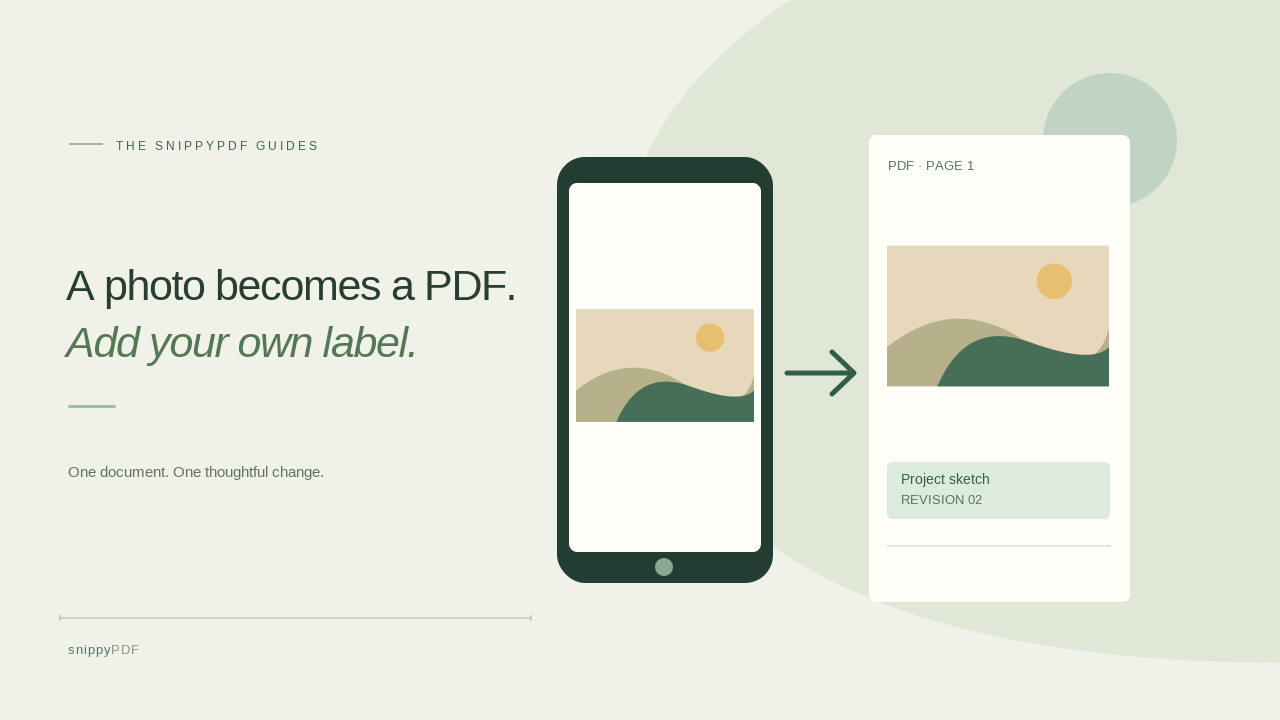 How to turn phone photos into a PDF you can annotate
Put JPG or PNG photos in order, convert them to a PDF, add a separate label in the editor, and check the downloaded pages before sharing.
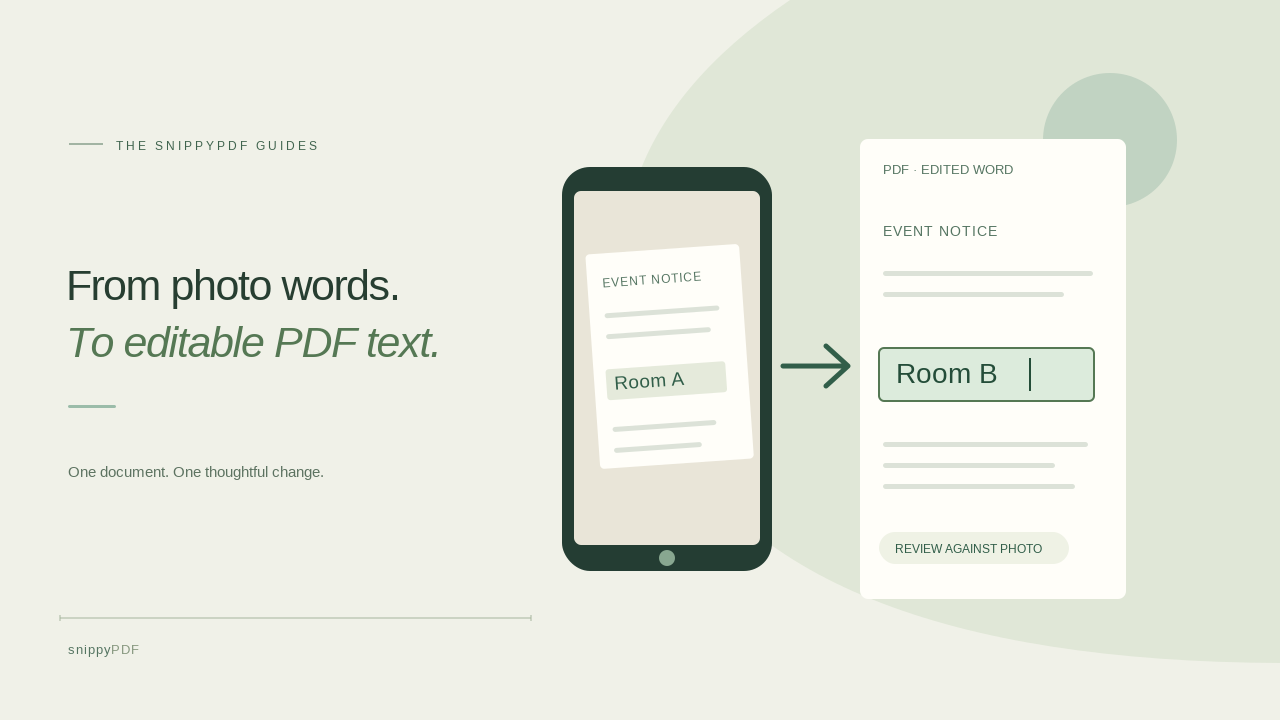 How to correct words in a PDF made from a photo
Review OCR on a JPG or PNG photo, turn supported words into editable PDF text, make a small correction, and verify the downloaded result.
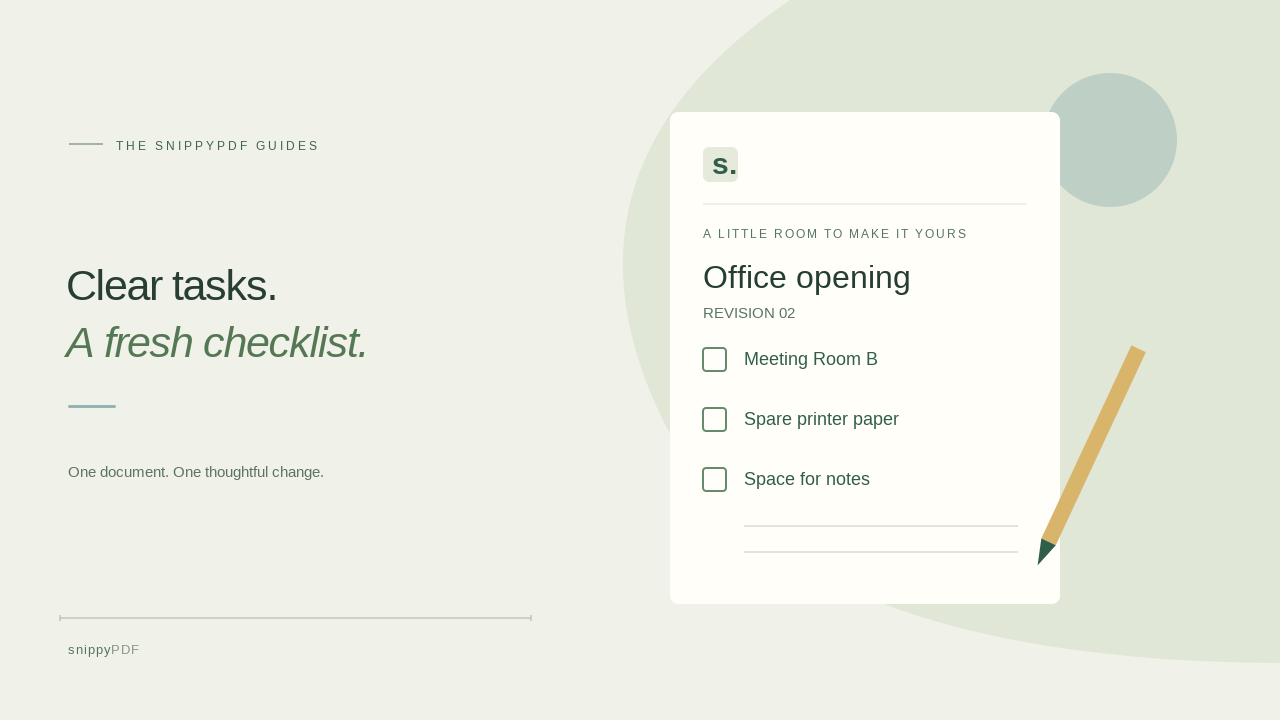 How to update a workplace checklist in a PDF
Revise a reusable PDF checklist, keep empty checkboxes and instructions clear, and inspect a fresh downloaded copy before sharing it with your team.
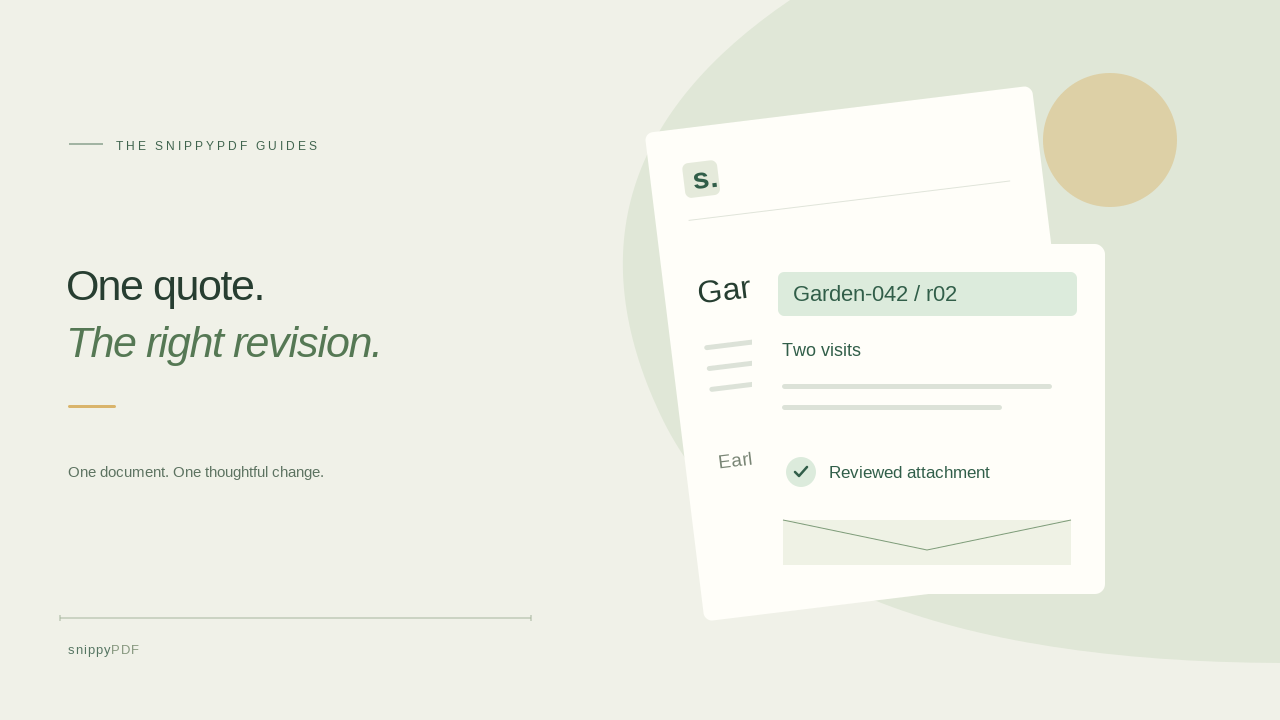 How to keep PDF quotes and revisions organized
Name your quote revisions, match the PDF to the email summary, and check the exact attachment before sending a client an updated proposal.
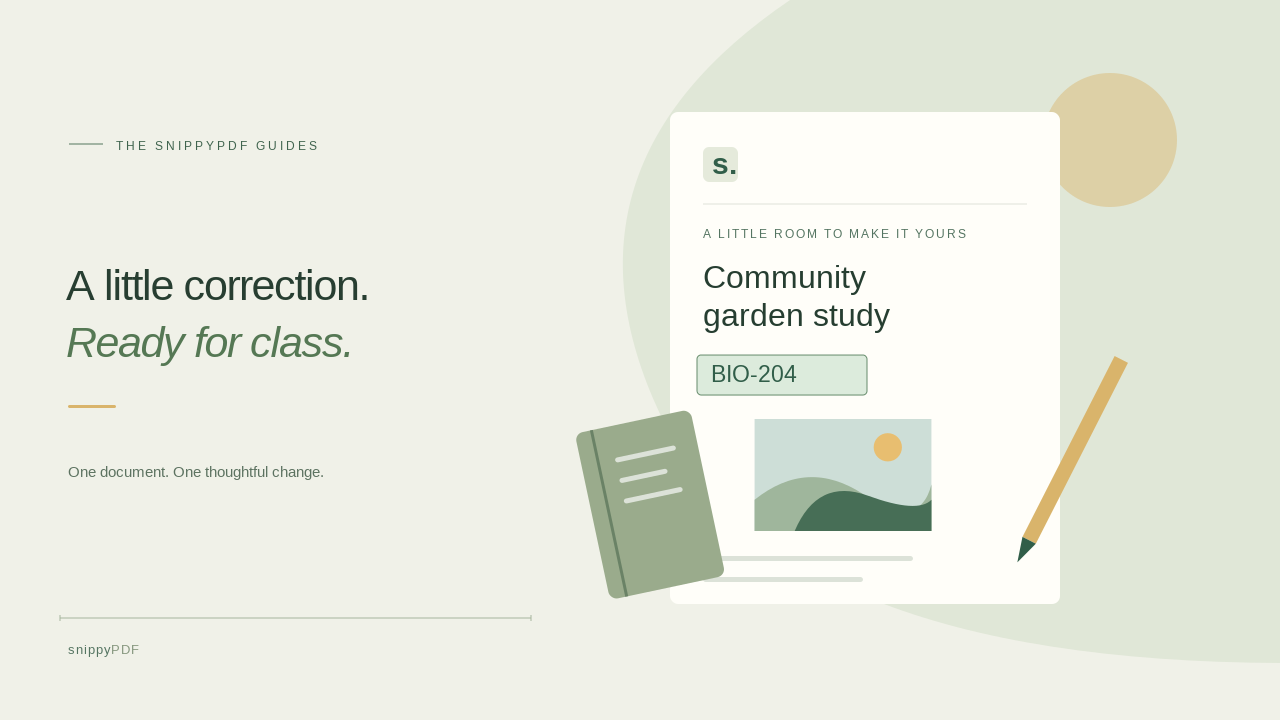 How to correct a student project cover page in a PDF
Fix a course name, project title or date on a supported PDF cover, check spacing and fonts, and review the downloaded copy before submitting.
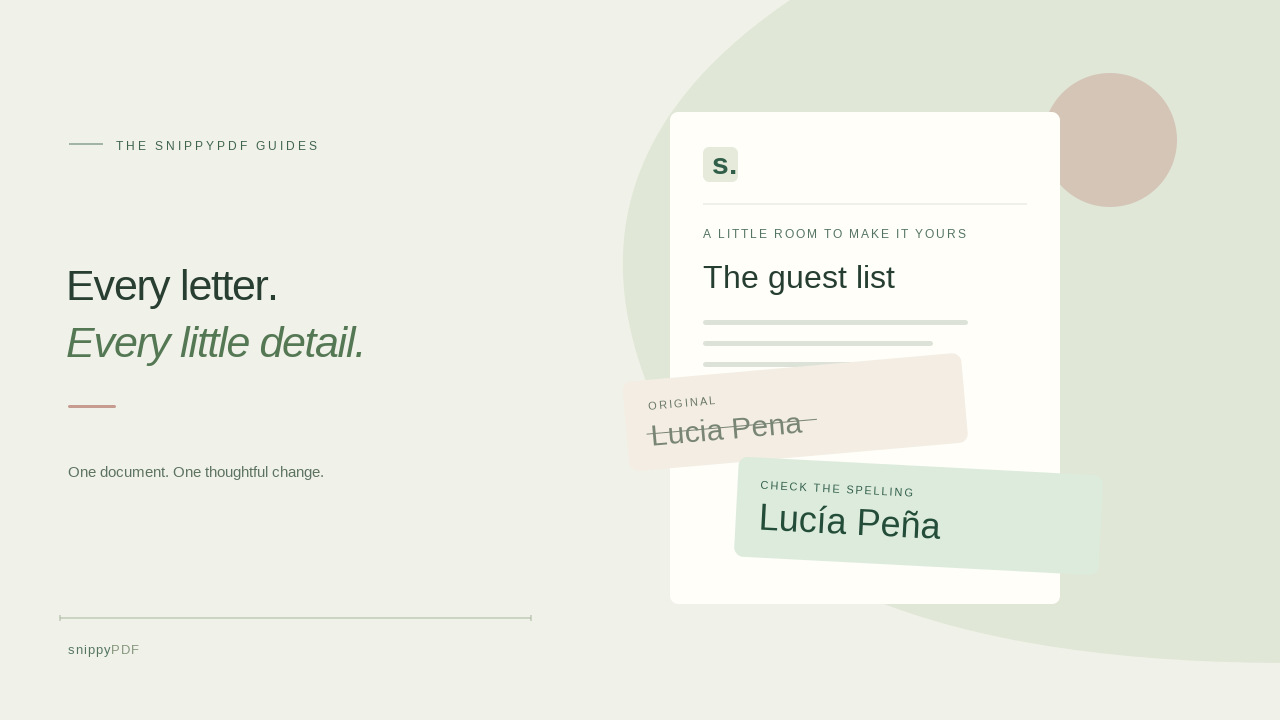 How to check names and accents when editing a PDF
Correct a name with accents or ñ, check font support and spacing, then reopen the downloaded PDF before sharing it.
 How to prepare a PDF before signing it
Check the version, document contents, requested signature method and downloaded file before you share a signed PDF.
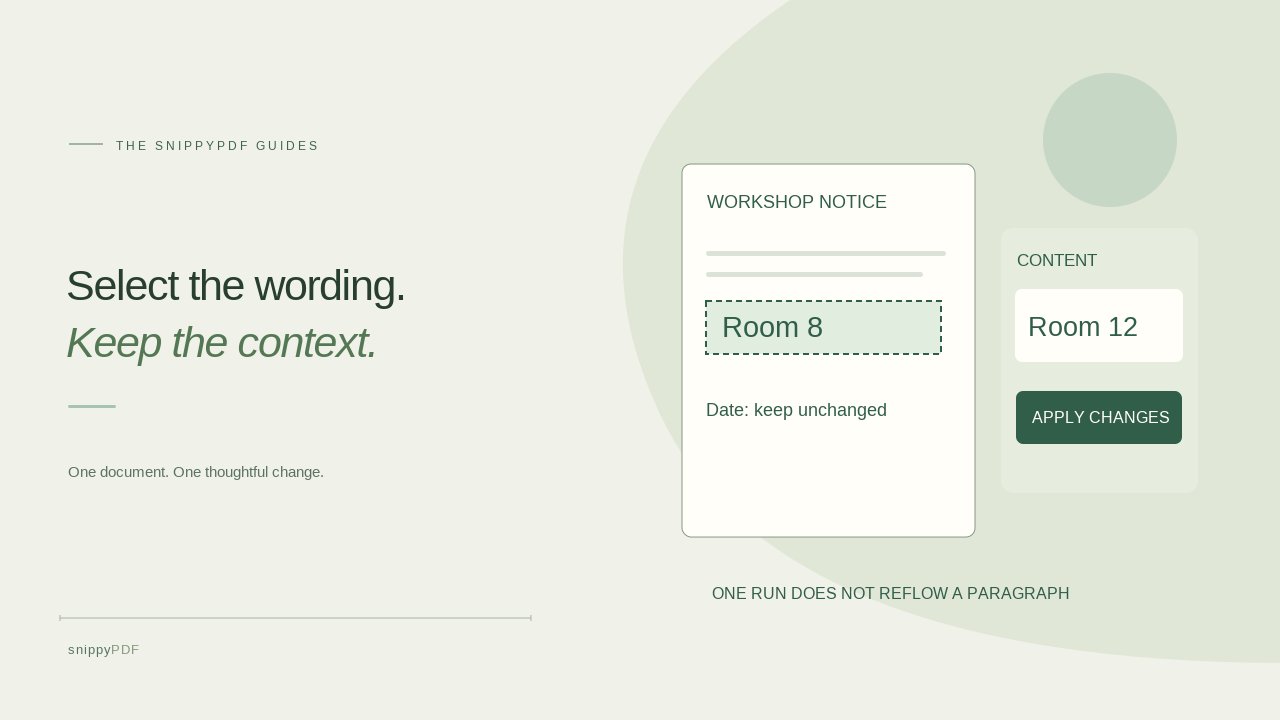 How to edit existing PDF text without changing the surrounding sentence
Select the right text run, review replacement wording and fonts, and check the exported PDF on your phone or computer.
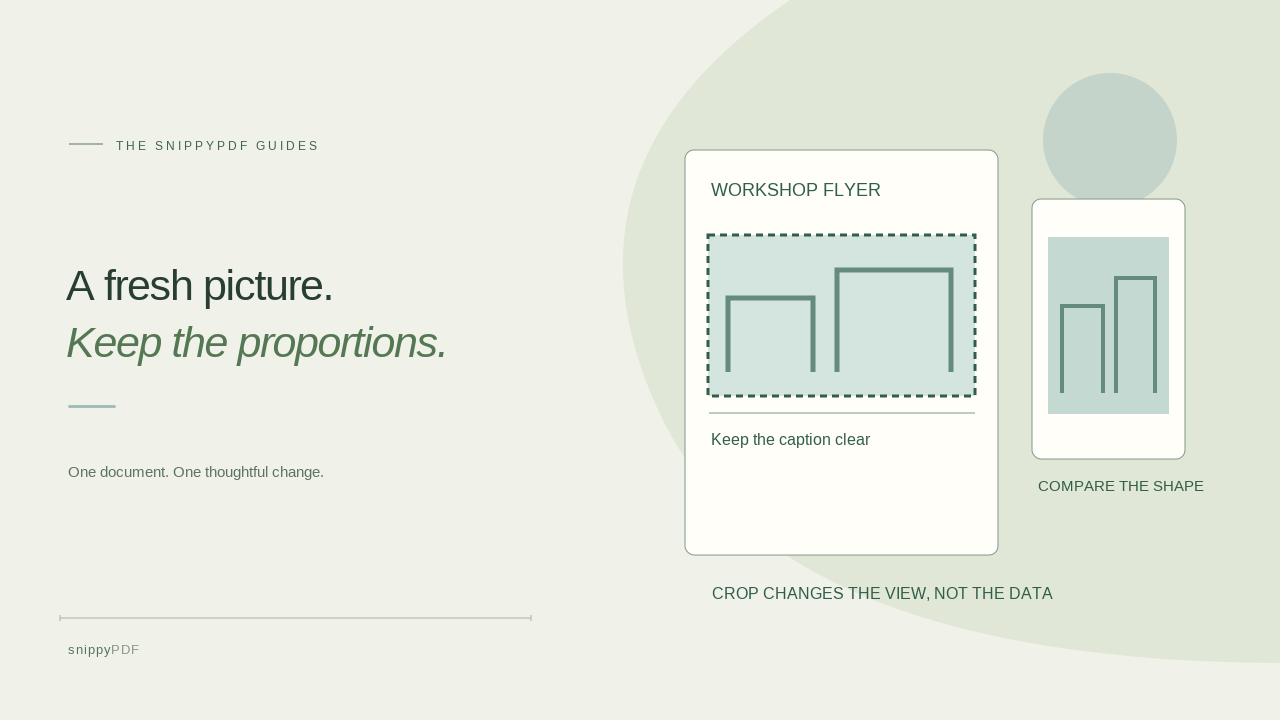 How to replace a PDF image without stretching it or covering nearby text
Select a supported image, compare its proportions, review size and placement, and check the downloaded PDF while keeping the original.
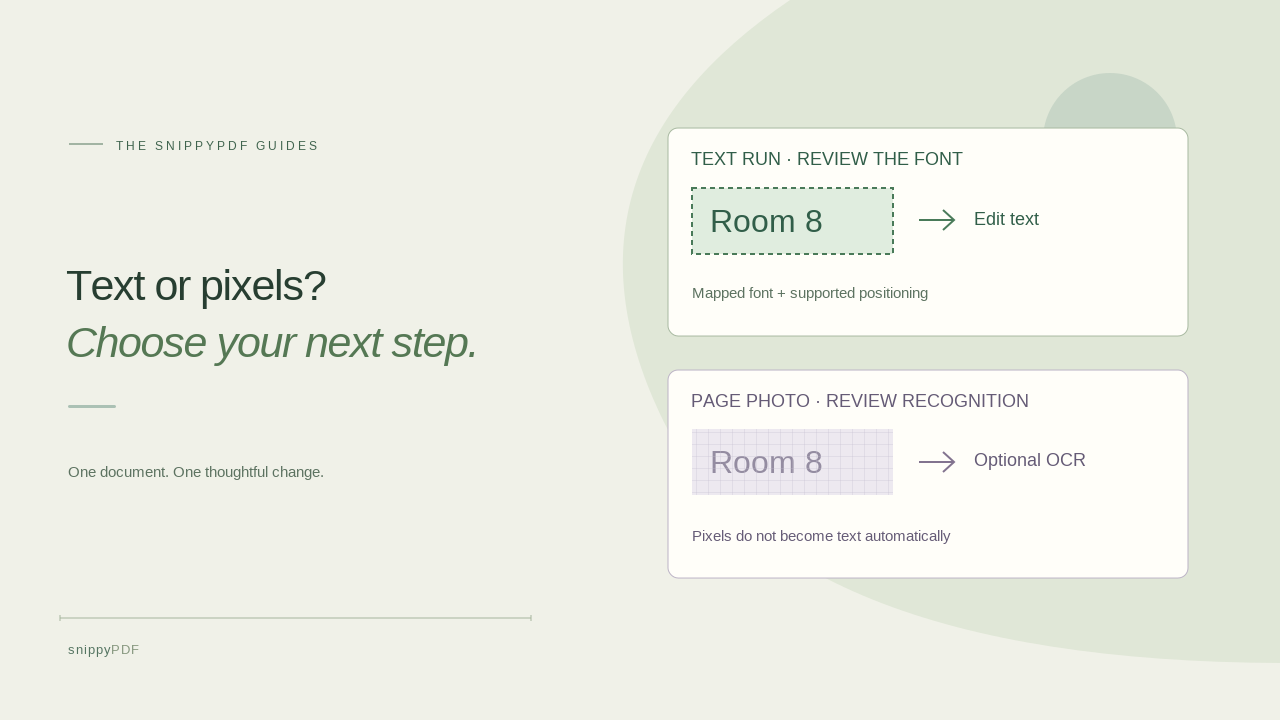 Why PDF text will not edit: check the font, text layer and scan
Distinguish view-only text from page pixels, review mapped Type3 fonts and grouped text, and choose an OCR or source-editing workflow that fits your PDF.
 PDF editing preview versus clean export
Understand the watermarked editing trial and SnippyPDF's single-document and seven-day export passes.
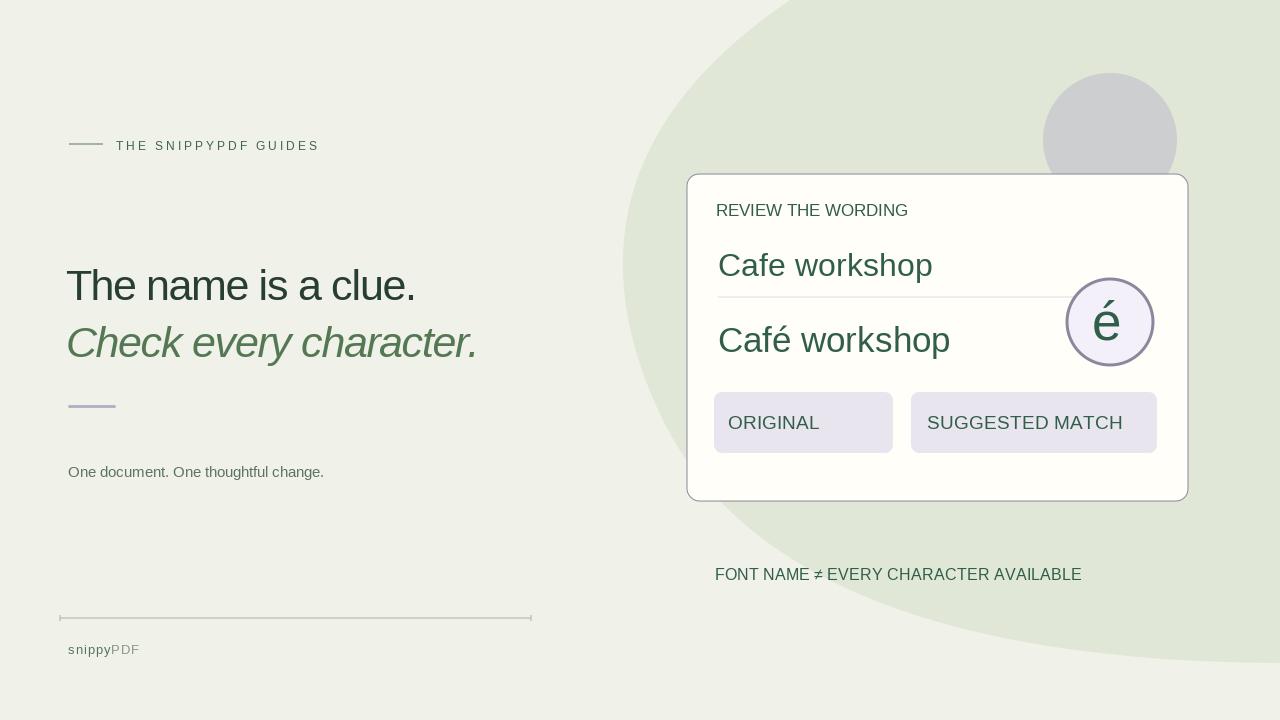 Why a detected PDF font may change when you edit the wording
Understand original fonts, embedded subsets and suggested matches, then check accents, spacing and the exported PDF after a text change.
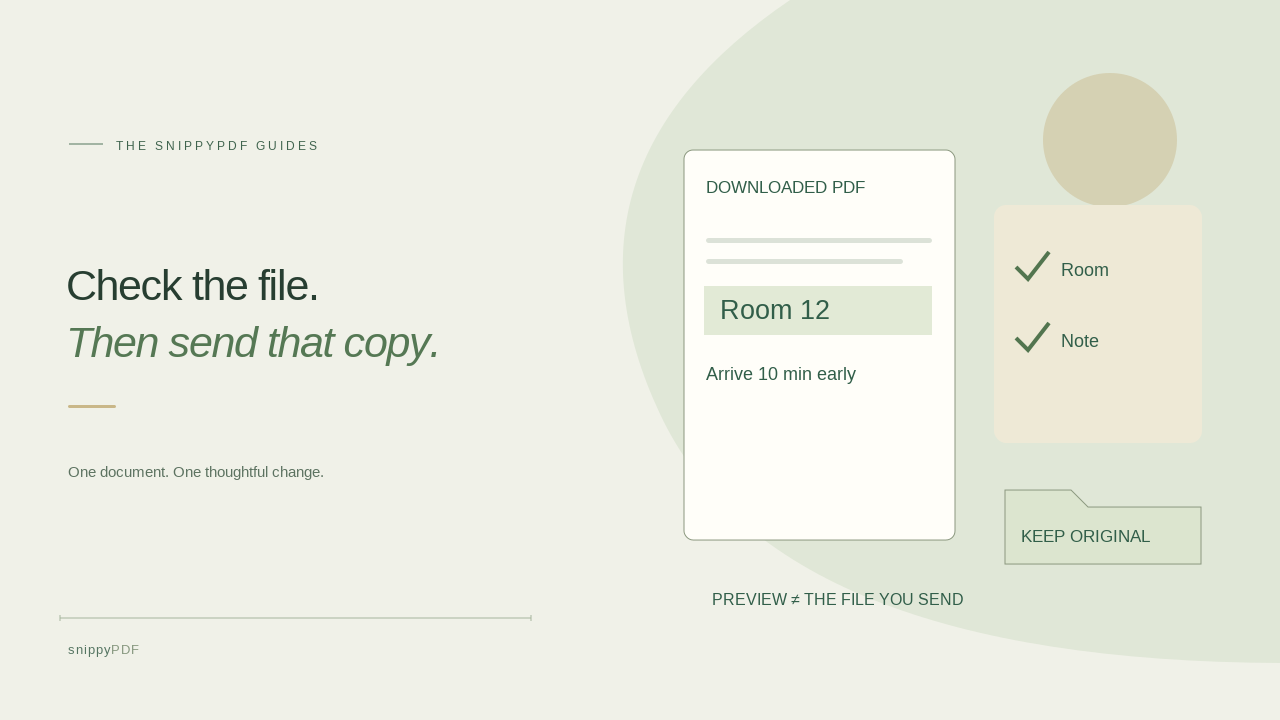 Before you send an edited PDF: a practical download-review checklist
Compare the original, inspect the downloaded file and confirm you are sharing the right PDF rather than a draft or screenshot.
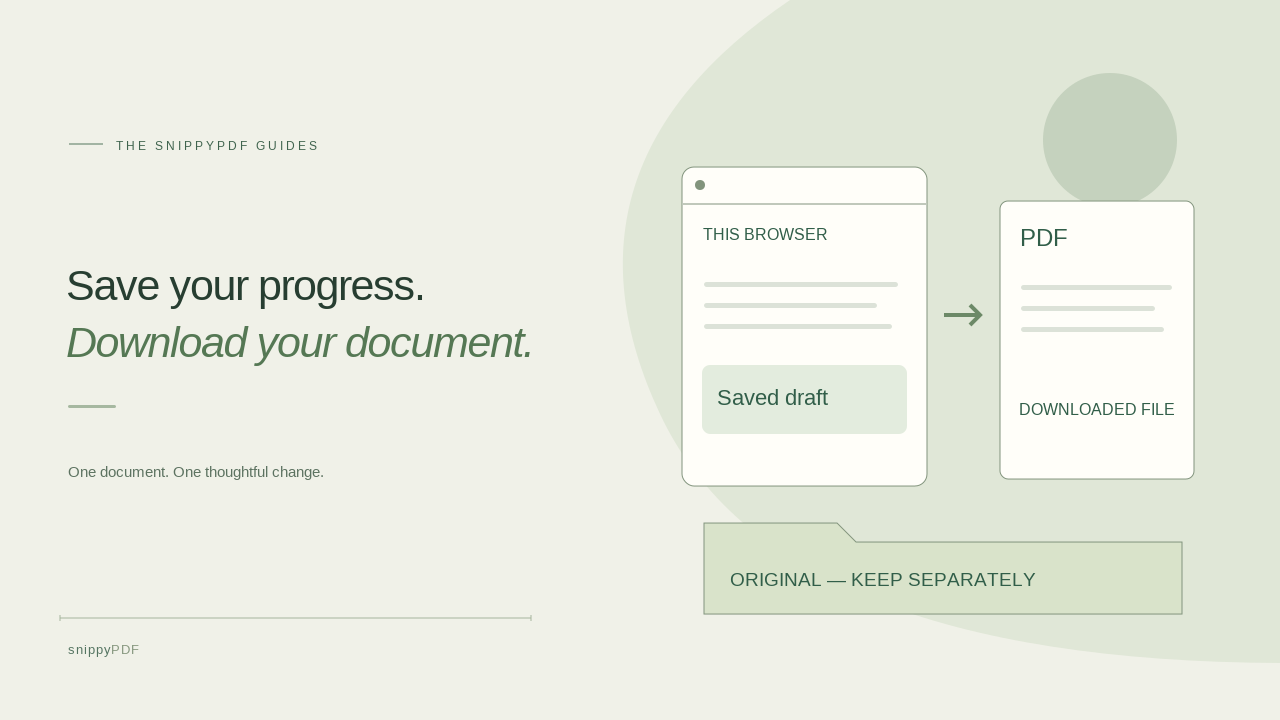 Saved draft or downloaded PDF? How to keep your edits and original
Understand what Save draft preserves, recover work in the same browser, and download a separate PDF before switching devices or sharing.
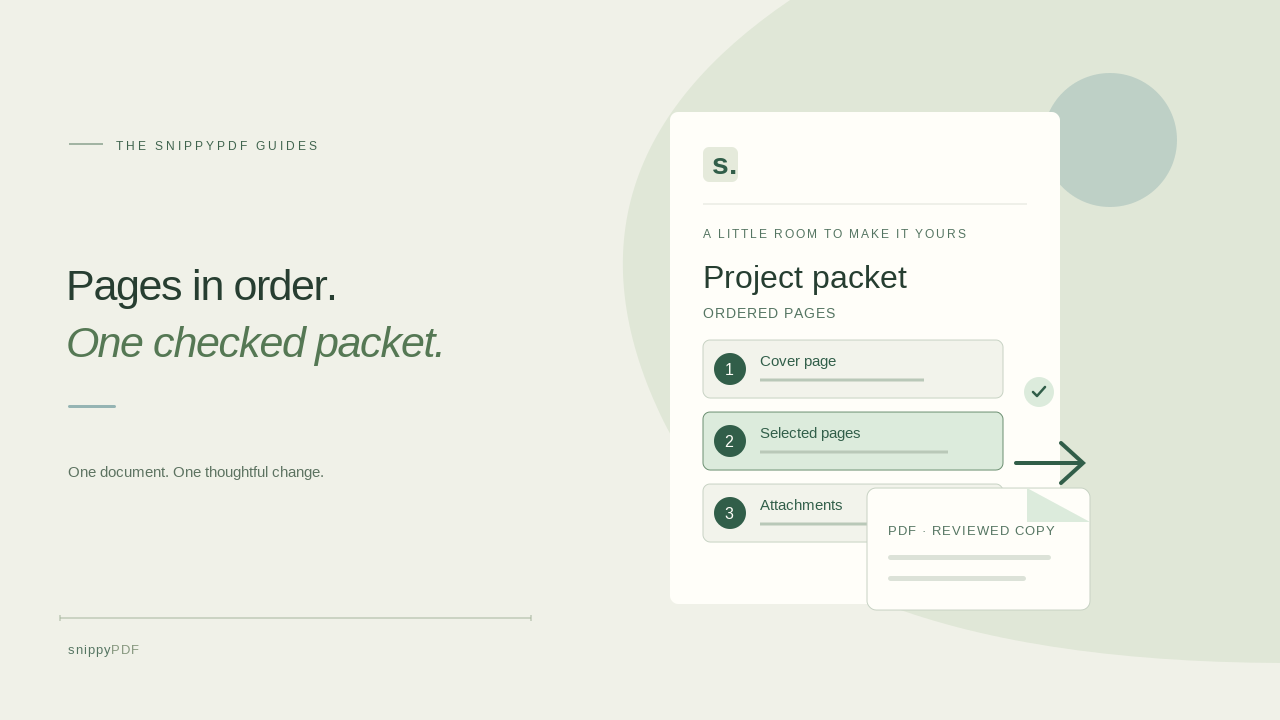 How to assemble and check an organized PDF packet
Combine compatible PDFs, put pages in order, extract selected pages, and review the downloaded packet before sharing it.