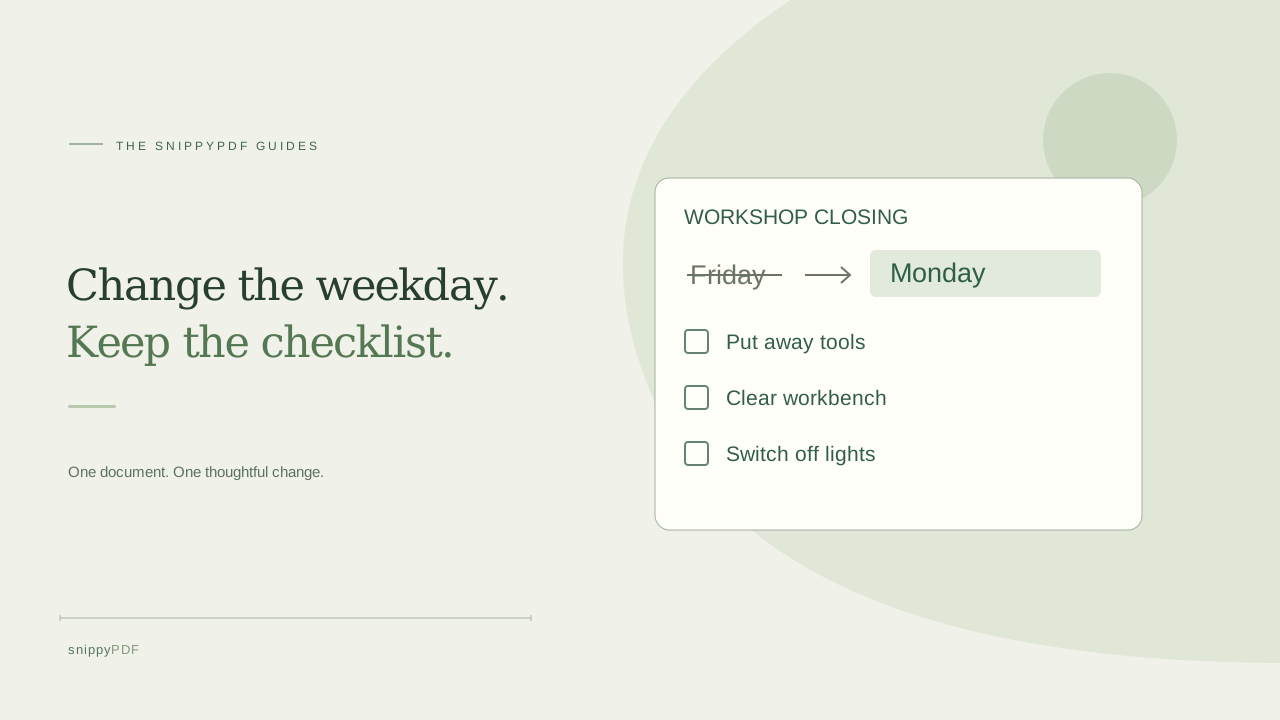
Make a reusable copy of a printed checklist, edit a supported label, and check that the boxes and instructions survive export.
Start with a blank checklist
Suppose your workshop has a one-page closing checklist marked Friday, and you want a blank copy for Monday. Photograph an unused sheet so the PDF starts with empty boxes. On a flat, evenly lit surface, take a straight-on photo with all four corners visible. Check that small instructions and the edges of every box are sharp. Keep the photo as a reference for comparing the PDF.
Recognize the printed labels and review the result
Add the photo in Images to PDF and choose Recognize text beside its thumbnail. Compare the recognized weekday and task names with the photo. Under Edit words in the photo, select Make recognized words editable in the PDF. On a flat, plain background this can convert up to 300 high-confidence, font-supported words per photo into visible PDF text. Words that cannot be converted stay in the image. The printed checkboxes remain part of the picture.
Try changing one label in the editor
Choose Open in editor and select the weekday on the page. If the editor supports editing that text, replace Friday with Monday and check the fit near the heading or box. Use a short label if the available space is tight. If the weekday is still part of the image, go back to your source photo and see whether the image tool lets you select and replace that word in its own preview. If neither route works reliably, use the source template or make a fresh checklist.
Save a master copy and test a separate export
Download the revised PDF with a clear name such as closing-checklist-monday.pdf. The free trial adds a watermark. Reopen the download and zoom in to inspect the weekday, each instruction and every blank box. Print a test page if the checklist will be filled in on paper. Keep the blank master and make a copy for each shift. If workers need clickable boxes that remember their state, use a fillable PDF form instead.
See supported PDFs · Try the watermarked editor preview
More practical guides
- How to recognize English and Spanish text in the same document photo
- How to split selected PDF pages into separate files
- How to rotate one page in a PDF and save the change
- How to insert a photo page into an existing PDF
- How to put front and back photos in one PDF
- How to extract nonconsecutive pages into one PDF
- Make document photos searchable in a PDF without rewriting the page
- Fix sideways document photos before making a PDF or running OCR
- Edit grouped text in a PDF online: a fictional DoorDash receipt example
- A4, Letter or Fit image: which PDF page size should you choose for photos?
- How to check numbers after turning a document photo into a PDF
- How to turn iPhone HEIC photos into a PDF without converting them first
- How to type on a blank line in a PDF without changing the sentence
- How to make a working copy of a scanned PDF without losing your original
- How to photograph a paper document for a readable PDF
- How to make a photo-heavy PDF smaller and check the result
- How to turn PDF pages into PNG images for a presentation
- How to add notes and highlights to a PDF
- How to check the edition of a USCIS PDF form
- How to turn phone photos into a PDF you can annotate
- How to correct words in a PDF made from a photo
- How to update a workplace checklist in a PDF
- How to keep PDF quotes and revisions organized
- How to correct a student project cover page in a PDF
- How to check names and accents when editing a PDF
- How to prepare a PDF before signing it
- How to edit existing PDF text without changing the surrounding sentence
- How to replace a PDF image without stretching it or covering nearby text
- Why PDF text will not edit: check the font, text layer and scan
- PDF editing preview versus clean export
- Why a detected PDF font may change when you edit the wording
- Before you send an edited PDF: a practical download-review checklist
- Saved draft or downloaded PDF? How to keep your edits and original
- How to assemble and check an organized PDF packet